20Set Up the Network
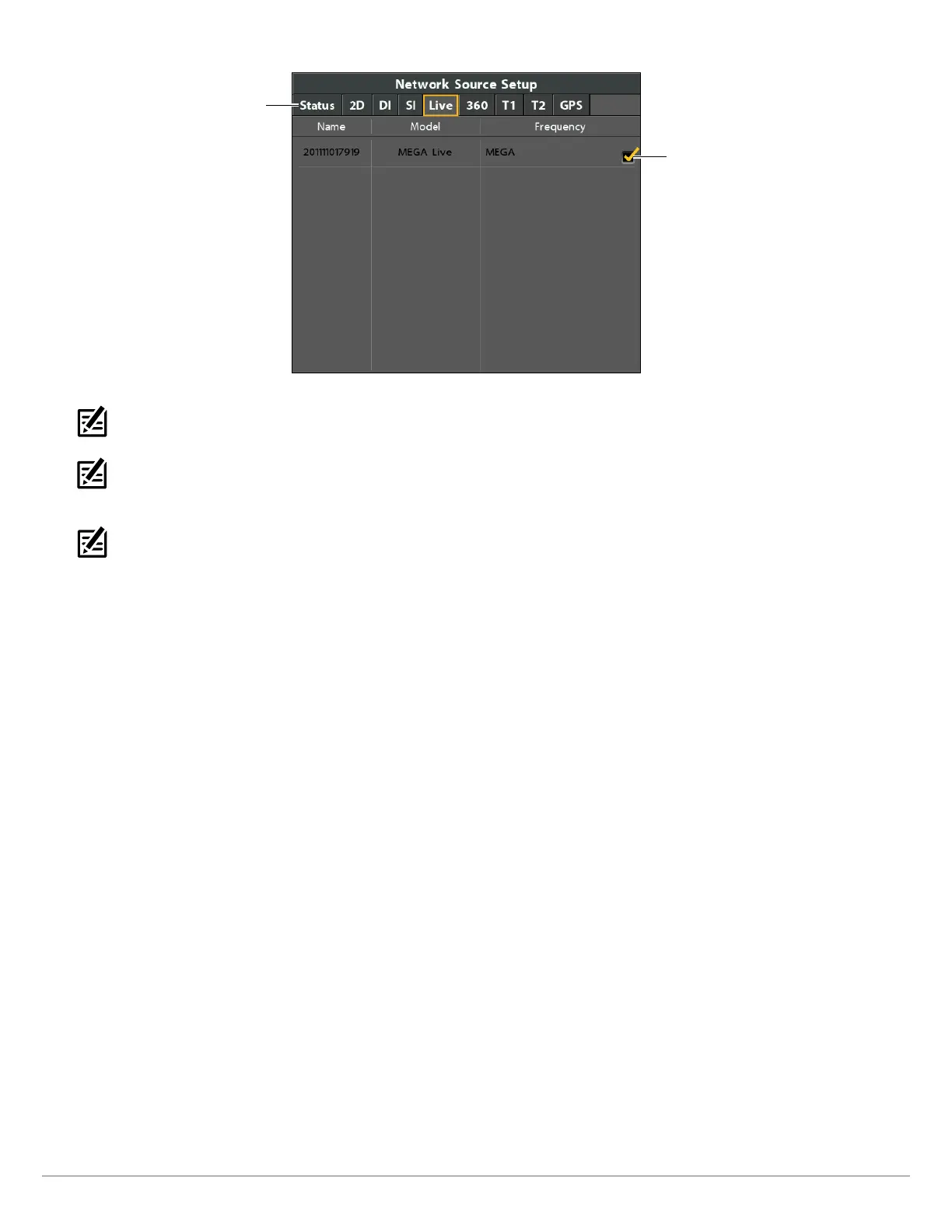
Selecting the MEGA Live Imaging Transducer
Use the Cursor Control
key to choose the
transducer, and press
the RIGHT Cursor key
or the CHECK/INFO
key to select it.
Press the RIGHT or
LEFT Cursor keys
to select a tab.
NOTE: If the control head is not capable of displaying a certain frequency from a transducer on the network, NONE will be displayed
in the beam frequency column in the Network Source Setup dialog box.
NOTE: The availability of beams is determined by the type of transducer that is connected to the control head and your Humminbird
model. If a connected transducer is not displayed in the Network Source Setup dialog box, select the Main Menu > Sonar tab >
Transducer Select or Connected Transducer, and set the transducer type.
NOTE: If you have questions about which transducers are compatible with your control head, visit our Web site at humminbird.com
or contact Humminbird Technical Support at 1-800-633-1468.
3. Close: Press the EXIT key until the dialog box is closed.



 To Next Page