43 Display Settings
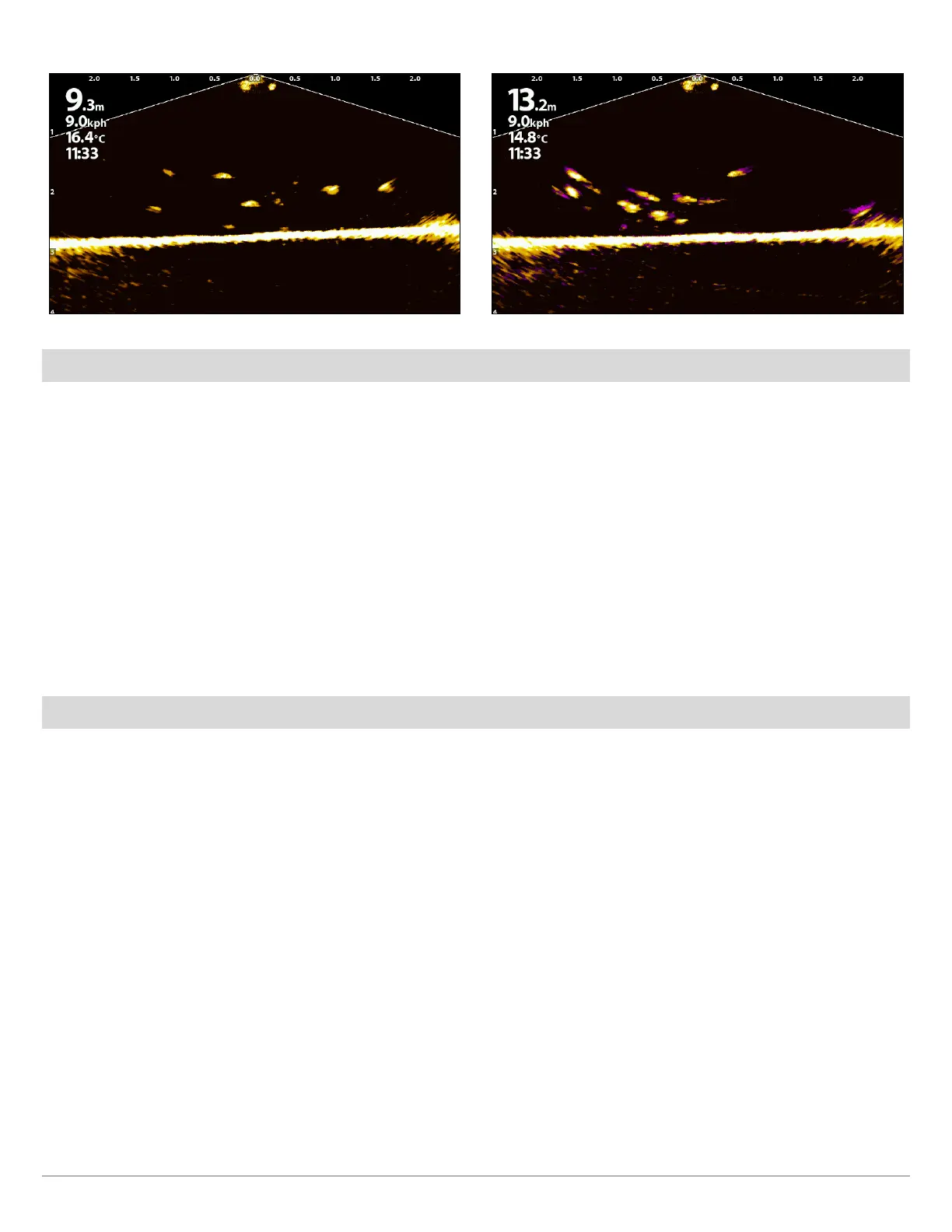
Persistence OFF (HELIX) Persistence ON (Low) (HELIX)
Turn On/Off Interference Rejection
If interference appears on the sonar views from sources such as other networked sonar devices, use Interference Rejection to
limit the interference.
APEX/SOLIX Series HELIX Series
1. Press the HOME key.
2. Select Settings.
3. Select CHIRP Sonar.
4. Under MEGA Live, select Interference Rejection. Tap the
on/off button, or press the ENTER key, to turn it on/off.
5. Press and hold the slider, or press and hold the ENTER
key, to adjust the setting, where 1 is the lowest filter and
3 filters the most interference.
1. Main Menu: Press the MENU key twice.
2. Select the Accessories tab > MEGA Live > Interference
Rejection.
3. Use the RIGHT or Left Cursor keys to select a filter setting,
where Low is the lowest filer and High filters the most
interference.
Off: removes all filtering.
Turn On/Off Overlays
APEX/SOLIX Series
Use the Overlays submenu to display or hide information on the view. In the MEGA Live View, you can display the following: boat icon,
range intervals, min/max range, range grid, zoom label, waypoints, and cursor data.
1. X-Press Menu: With the MEGA Live View displayed on-screen, press the MENU key once, or tap Sonar (MEGA Live) on the
status bar.
2. Select Sonar Options > Overlays.
3. Tap the menu, or use the Joystick to select an item, and add a check mark (check mark = visible, blank = hidden).
4. Close: Tap the X icon.



 To Next Page