42Display Settings
MEGA Live Contrast and Sensitivity (HELIX)
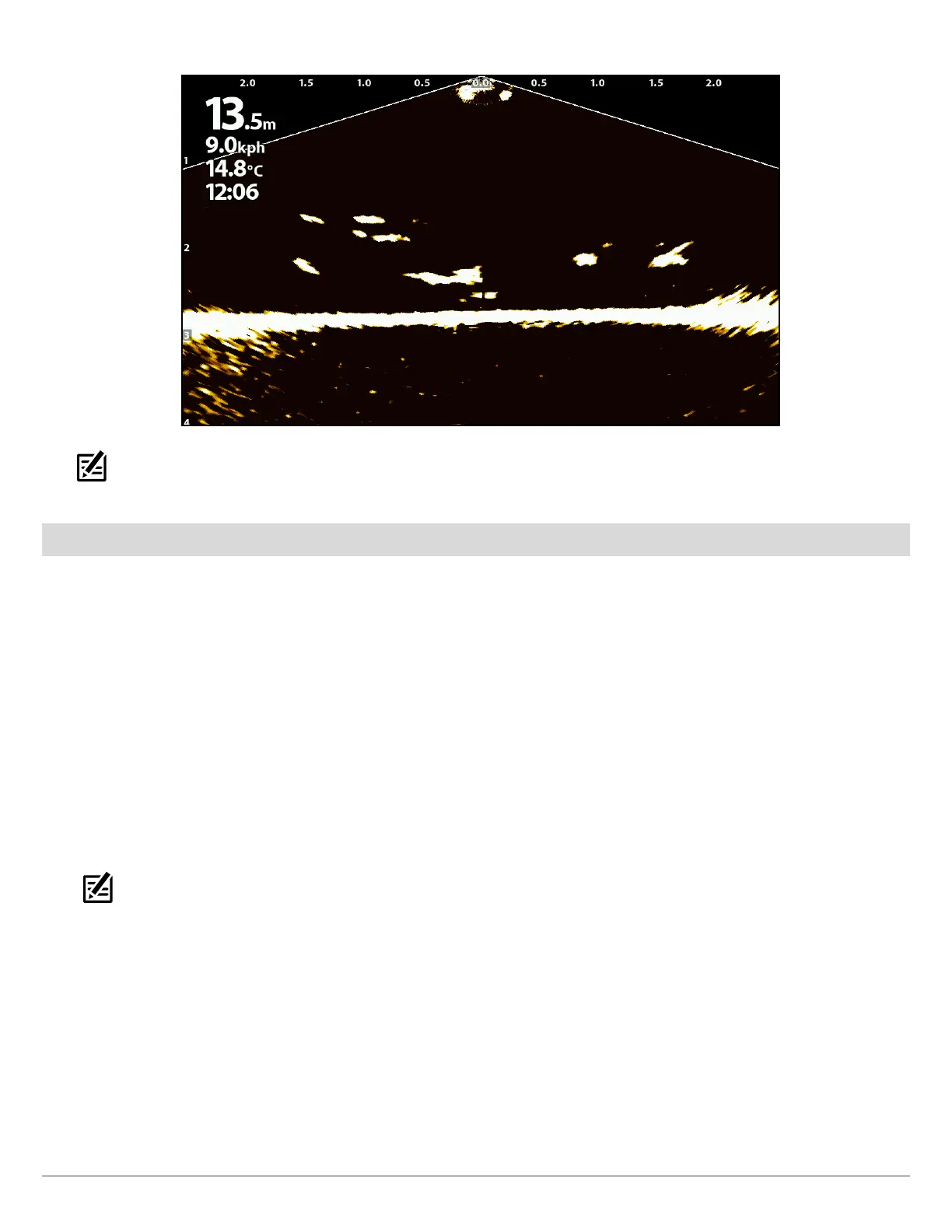
NOTE: The Sensitivity and Contrast are set high in the above illustration. The high Sensitivity setting displays more weak returns on
the display, and the high Contrast setting shows more definition between the light and dark returns.
Turn On/Off Persistence
When Persistence is turned on, your sonar returns will include a history of where moving objects have been, shown as a “trail” of
movement. Set Persistence to low for a shorter trail or to High for a longer trail.
APEX/SOLIX Series HELIX Series
1. X-Press Menu: With the MEGA Live View displayed on-
screen, press the MENU key once, or tap Sonar (MEGA
Live) on the status bar.
2. Select Sonar Options > Preferences > Persistence.
3. Select Persistence. Tap the On/Off button, or press the
ENTER key, to turn it on/off.
4. Tap, or use the Joystick and ENTER key, to select a
Persistence level (Low, Medium or High).
5. Close: Tap the X icon.
NOTE: When Global is turned on in the Sonar Options
menu, the selected menu setting on the control head is
shared with other control heads in the network.
1. X-Press Menu: With a MEGA Live Imaging View displayed
on-screen, press the MENU key once.
2. Select Persistence.
3. Press the RIGHT or LEFT Cursor Keys to turn it on/off and
to select a Persistence level (Low, Medium or High).
4. Close: Press the EXIT key.



 To Next Page