45 Zoom In/Out
Z I/O
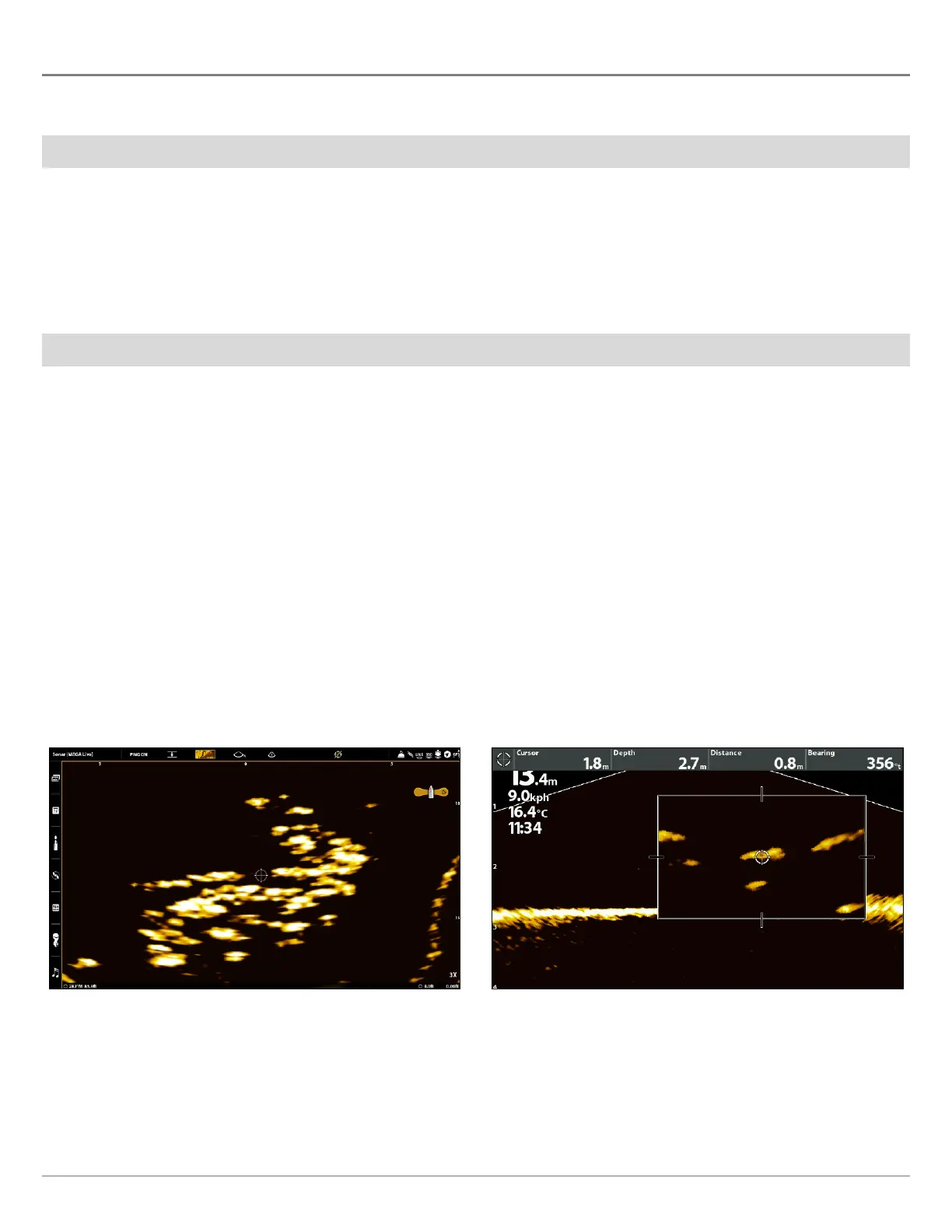
The ZOOM keys allow you to zoom in and out of a selected area based on the cursor position.
Activate the Cursor
SOLIX Series HELIX Series
1. Tap a position on the MEGA Live View.
OR
Move the Joystick.
1. Use the Cursor Control key to move the cursor to a
position on the MEGA Live View.
2. Close: Press the EXIT key to remove the Cursor.
Zoom In/Out
SOLIX Series HELIX Series
1. Zoom In: Tap the position twice (double tap).
2. Zoom Out: Tap the screen with two fingers once (single
tap).
OR
1. Zoom In: Touch the screen with two fingers and move
them apart (pinch out).
2. Zoom Out: Touch the screen with two fingers and move
them together (pinch in).
OR
1. Zoom In: Press the +ZOOM key.
2. Zoom Out: Press the – ZOOM key.
1. Zoom In: Press the +ZOOM key.
2. Zoom Out: Press the -Zoom key.
Zooming In (APEX) Zooming In (HELIX)



 To Next Page