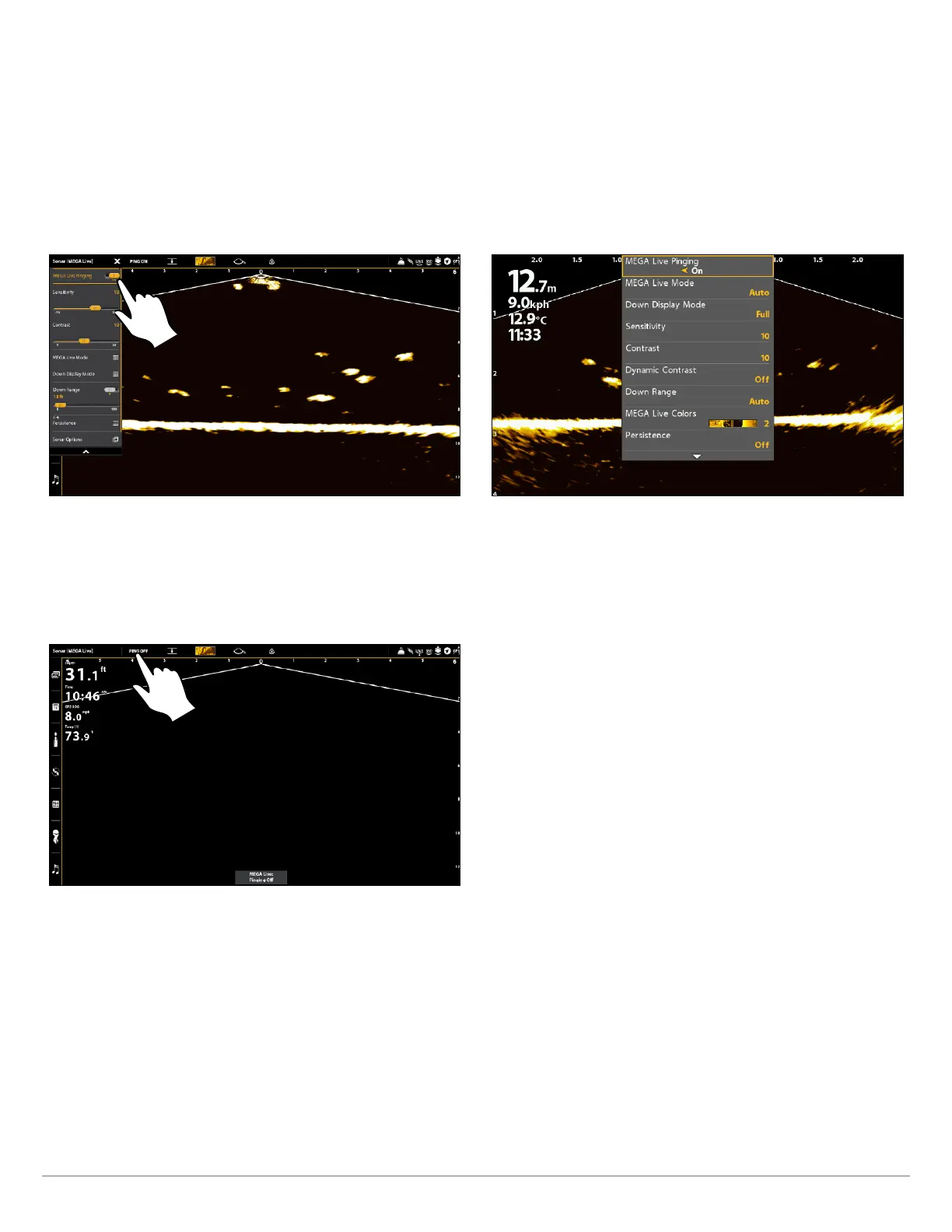
23 Start/Stop MEGA Live Imaging
Start Pinging from the X-Press Menu
APEX/SOLIX Series HELIX Series
1. With a MEGA Live View or MEGA Live Combo View displayed
on-screen, press the MENU key once, or tap Sonar (MEGA
Live) on the status bar.
2. Tap MEGA Live Pinging or press the CHECK key.
1. With a MEGA Live View or MEGA Live Combo View displayed
on the screen, press the MENU key once.
2. Select MEGA Live Pinging, and press the RIGHT Cursor
key to select On.
Pinging from an X-Press Menu (APEX) Pinging from an X-Press Menu (HELIX)
Start Pinging from the Status Bar (APEX and SOLIX only)
1. With a MEGA Live View or MEGA Live Combo View displayed on screen, tap PING OFF on the MEGA Live status bar.
Pinging On/Off from the Status Bar (APEX)



 To Next Page