User Manual
Rev 9.0 Page 33 HV Diagnostics
Step Procedure (Configure Automatic Sequence) Example
AS 15:
(optional)
Edit Sequence
Title
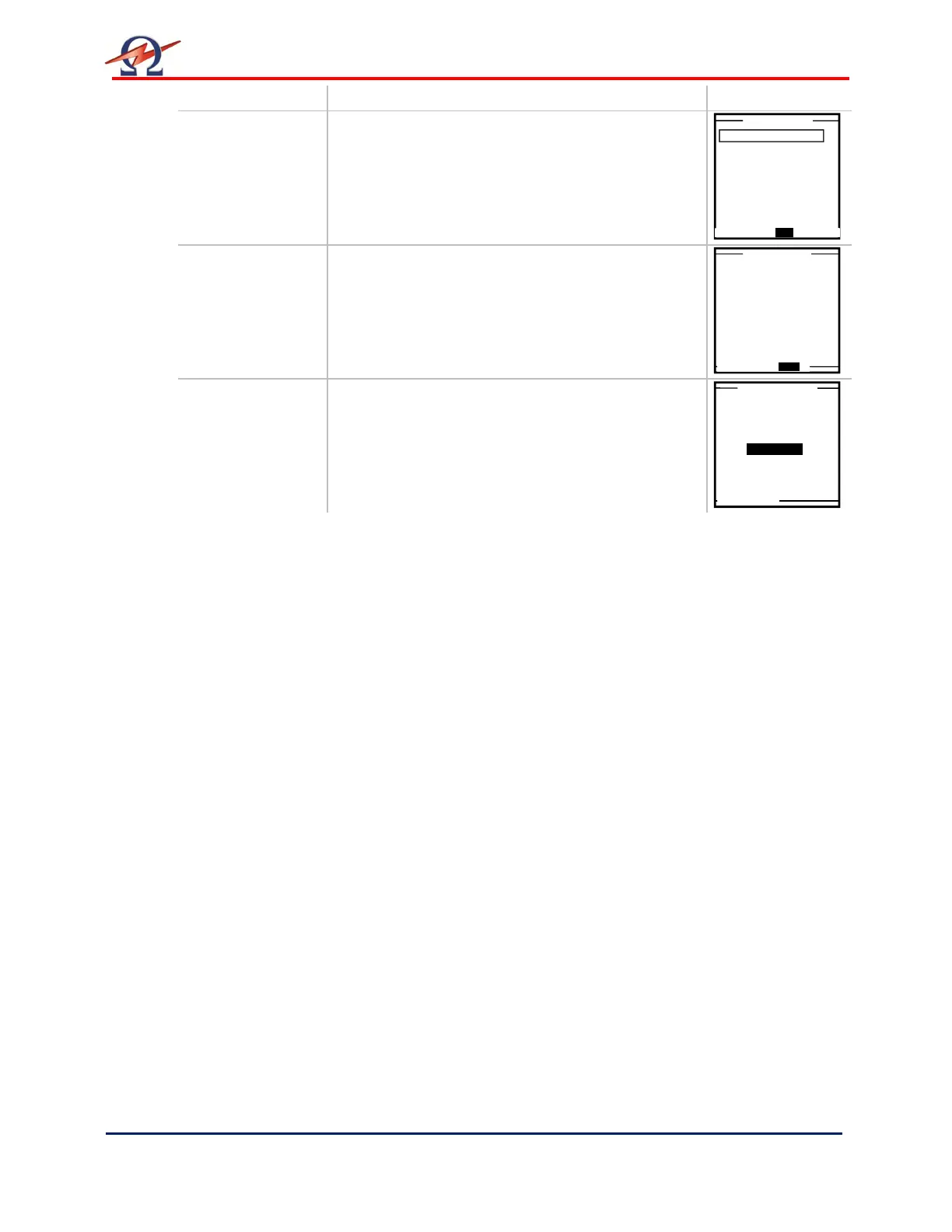
To modify the sequence title from program already
saved in HVA memory, highlight the corresponding
sequence from the “Edit Auto Test Seq.”. Menu
display.
• select the “EDIT” option, on the bottom of the
screen
select the “TITLE” option, on the bottom of the
screen
For naming directions, see 6-Reporting Procedure-
Report Naming Instructions
3.0kV Maint. C. HYBR (T)
1.0 kV Cable XPLE
Maintenance Test Seq.
1 Step / Test Setup
Test Voltage: 1.0kVrms
Duration: 15 min
Wave: Sine 0.1/Auto
Trip out on Arc
Edit Title
1.0kV Cable


 To Next Page