User Manual
HV Diagnostics Page 34 Rev 9.0
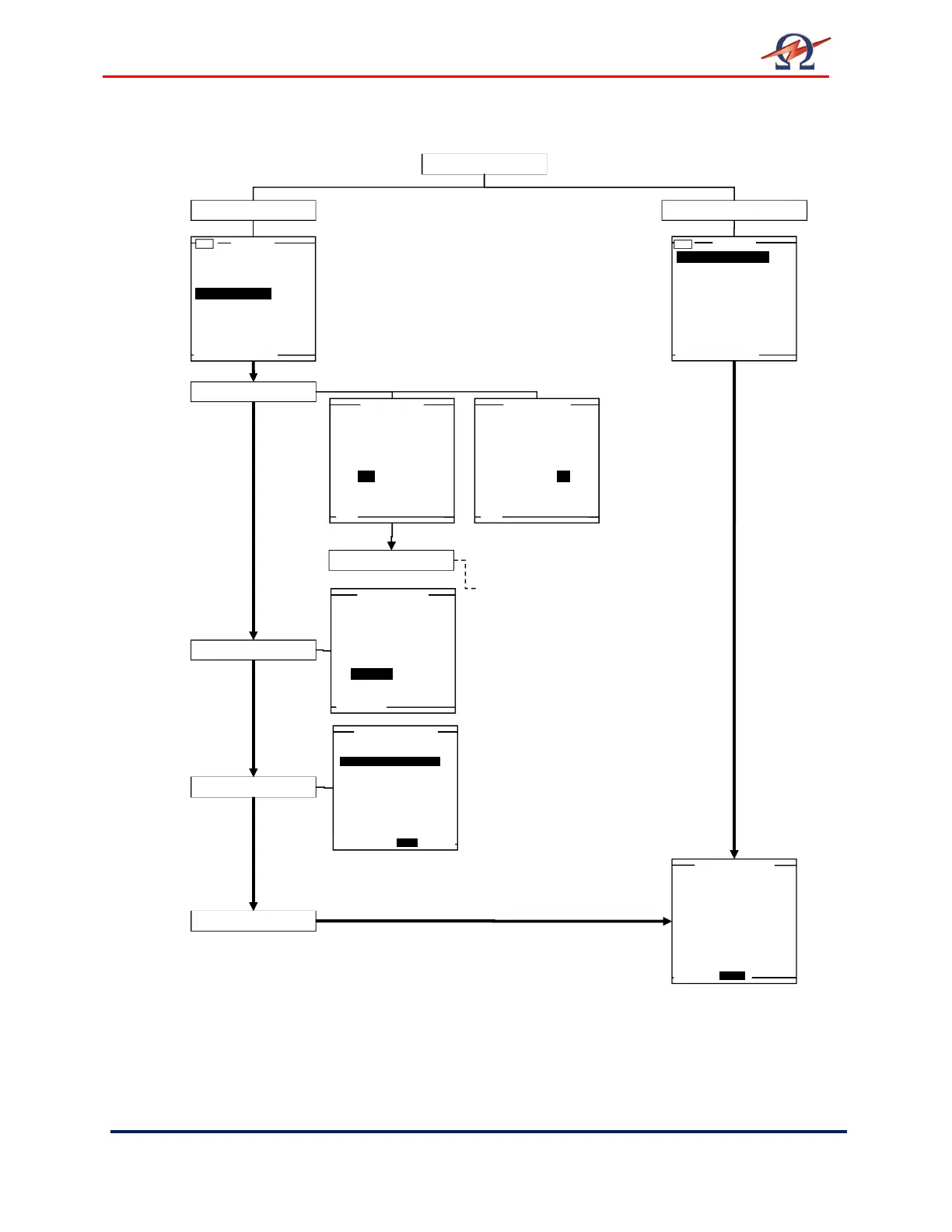
Running an Automatic Test - Overview
Running an Automatic Test - Detailed Steps
Steps AR 1-AR 9 describe how to run a test in the Automatic Mode.
Main Menu
Use Last Test Seq.?
3.0kV Maint. C. HYBR (T)
Start a New Test
Manual Mode
Reports & Setup
Start a New Test
Use Last Test Seq.
Use Last Test Seq.?
1.0kV Maint. C. XLPE (T)
Start a New Test
Manual Mode
Reports & Setup
Do you want to
store a report?
Yes No
Do you want to
store a report?
Yes No
Report?
Setup Report
HVA guides user through series of questions.(See section 6):
• DUT Type
• Voltage Rating
• (Cable) Insulation
• Report Title…
Select Sequence
Test Mode?
Auto Test Sequence
or use Manual Mode?
Auto Seq. Manual
3.0kV Maint. C. HYBR (T)
1.0kV Maint. C. XLPE (T)
1.0 kV Cable XPLE
Maintenance Test Sequence
Test Voltage: 1.0kVrms
Duration: 15 min
Waveform: Sine 0.1Hz
Trip out on
Reporting Active
Start Auto Test


 To Next Page