STE2
37
Connecting STE2 to the SensDesk portal
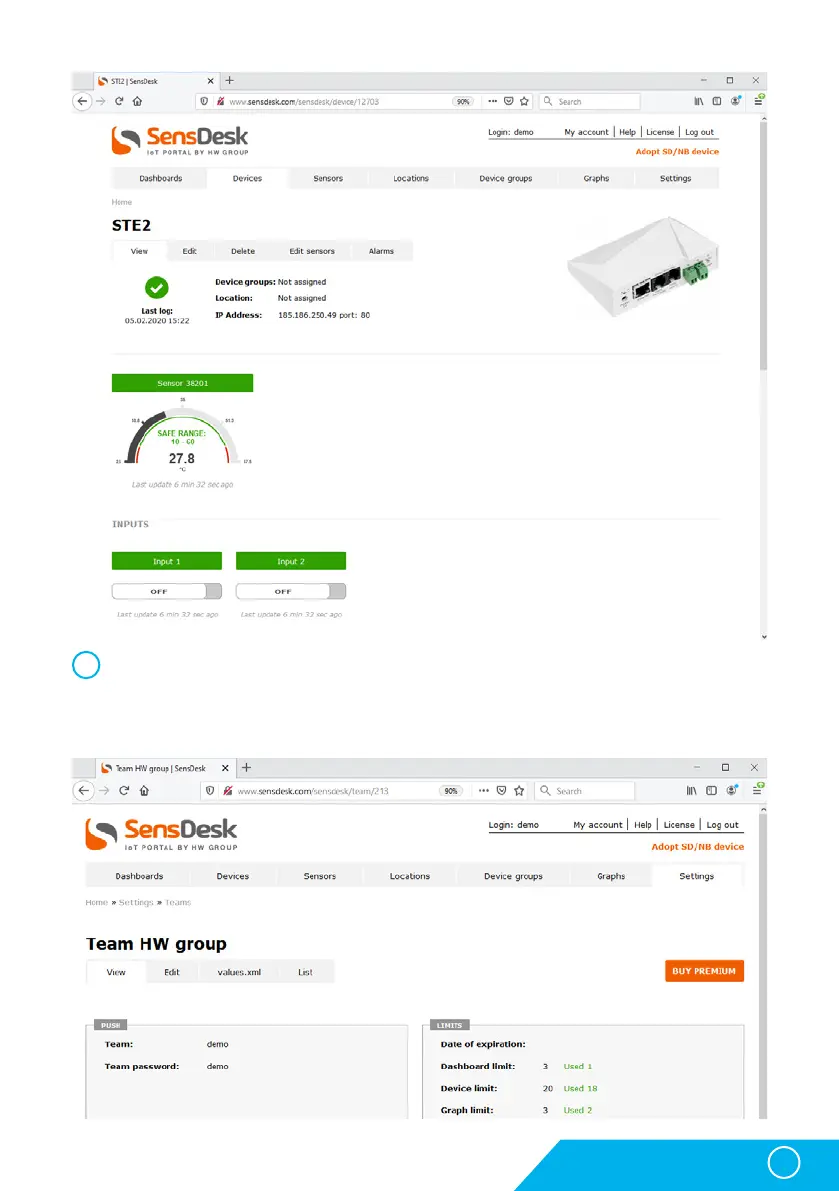
By activating the account, you will be redirected to the Devices > View page. At this
moment, the data-sending period is set to 10 seconds to show the sensors functionality.
This page is active only for approximately 15 minutes after the activation, then the logging
period changes to 15 minutes.
6



 To Next Page