SECTION 2
3) To Accept the Current Selection press ENT
Continue to press
ENT - To accept the value or option and move to the
next applicable parameter.
4)
To Change the Value of a Number
Press - To increase value of flashing digit between 0 and 9.
It will then roll over to its minimum and start again.
Press - To move the cursor right and select the next digit to be
changed, then Press
to change its value as above.
Press ENT - To enter the new value. The display will then show the next
parameter in the list.
5)
To Change a Y or N Option
Certain parameters have been put into sections to avoid stepping through numerous
parameters that you may not need to change initially. Each of the sections will have a Yes or
No option.
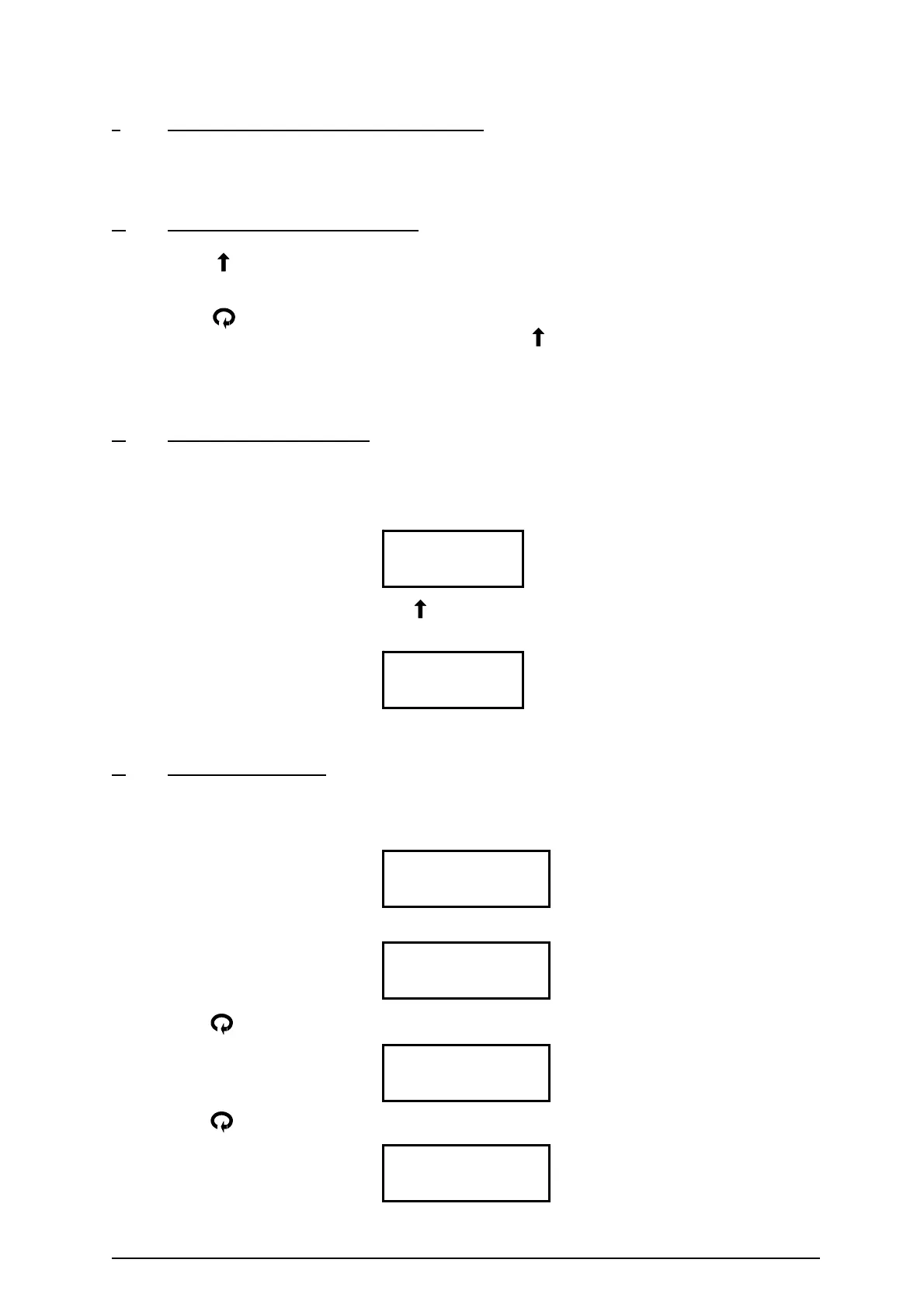
8.0 Edit relays
No
To change the relay settings use the to change a ‘No’ to a ‘Yes’ or to skip that section just
press ENT.
8.0 Edit relays
Yes
When you have made your selection press ENT to move to the next parameter.
6)
To Change an Option
A display which shows a label enclosed in brackets means that this is the currently selected
value for this parameter, but it can be changed.
e.g. 8.1 Rly1 Options
(Norm–Energised)
Press ENT
8.1.1 Relay 1
Norm - Energised
Press to change the option
8.1.2 Relay 1
Norm-DeEnergised
Press to change the option again
8.1.3 Relay 1
Temp Alarm
Ref: MINIFLEX LR MANUAL Rev. 0 12


 To Next Page