19
OPTIONAL I-COMMAND SYSTEM
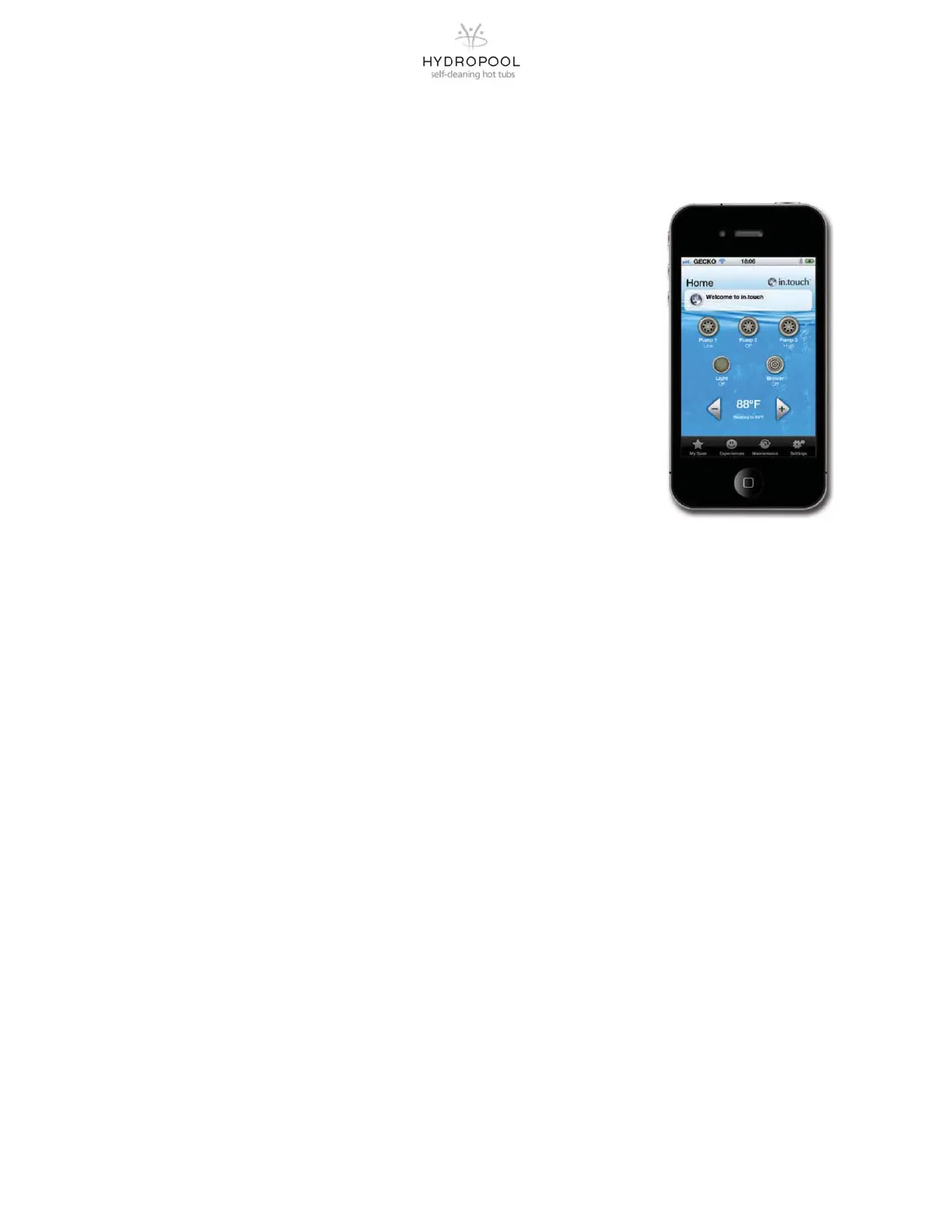
The Smart Phone App that is designed as a wireless hot tub control which allows you to
pick the water care settings that fit your schedule. Adjust filtration and temperature settings
and create the ideal hot tub experience from inside your home. This option is supported by
your iPhone®, iPOD touch®, or iPAD®.
If your hot tub comes with this option installed, you need to activate the App Store Icon
from your IPOD menu. Type in “in.Touch” into the search field to find the application and
download from iTunes using your user name and password.
1. Go to the Wi-Fi Networks screen by touching the Settings Icon. The network named
in.touch should appear on the list.
2. Press on it to select the in.touch network. Once you’ve selected it, wait until the WiFi
icon appears on the top left corner of the screen. This icon shows that your iDevice is
now connected to the network.
3. You can now start the application by finding the icon for the in.touch application and
tapping to open it.
4. The first time you use the app a message will tell you to add a spa to your list. You
must add your hot tub to the list in order to configure it and use it with the application.
Once you tap Ok, you will see a list of visible hot tubs. Tap on yours and enjoy.
(NOTE: Both your hot tub and your iDevice must be in range of your home WiFi
System to ensure proper operation).







 To Next Page