25
SETTING THE TIME OF DAY
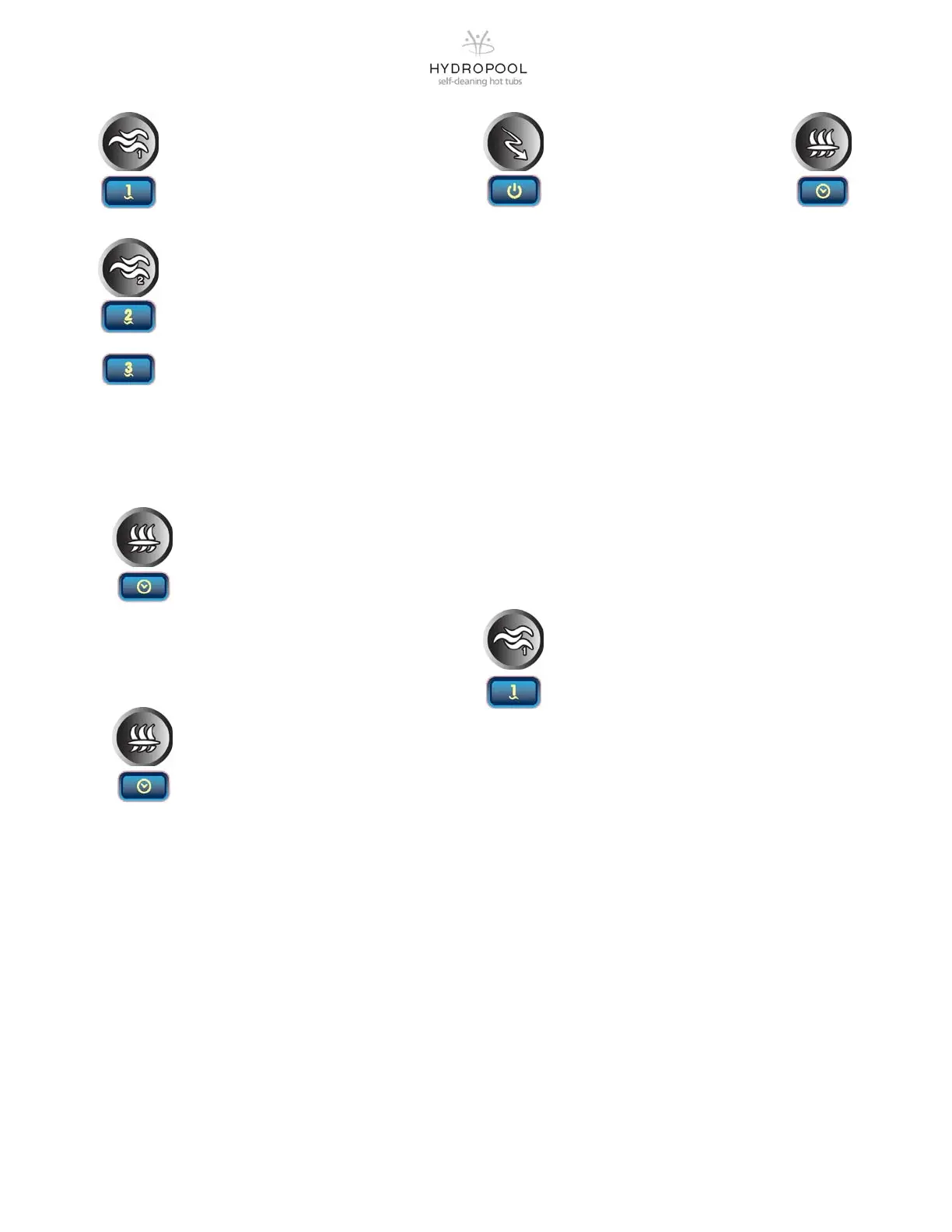
In order to set the time of day you must press
and hold the FILTER/PROGRAM key for 5 sec-
onds. The display will show the time of day with
the hours flashing. Use the temperature keys to
change the hours. A press of the FILTER/
PROGRAM key will then flash the minutes. Once again
use the temperature keys to change the minutes. A final
press of the FILTER/PROGRAM key will program the time
and continue on to program the filter cycle and economy
mode operations.
STANDBY / DRAIN ASSIST MODE
A long press of 5 seconds will enable the
“STANDBY MODE”. This mode allows you to
stop all outputs including all automatic functions
such as a filter cycle, heating requests and
smart winter mode purging for 30 minutes to perform
quick spa maintenance. When the “STANDBY MODE” is
activated, the display will toggle between the “OFF” mes-
sage, the “CLOCK” and the water temperature.
Press either Pump 1 or the Pump 2 key to restart the sys-
tem before the expiration of the 30 minute delay.. The spa
light will flash a few seconds before the end of the 30 min-
utes to warn you the system is about to resume its normal
operation and the display will then show “ON” for 3 sec-
onds. Once the “OFF” mode is enabled, a quick press of
the Pump 1 key will activate the “DRAIN MODE” and the
filtration pump will turn on and run for 30 minutes. If your
tub has not been completely drained down you can simply
press the Pump 1 button again to continue the cycle. A
press of any key will disable the “OFF” and “DRAIN” mode
and resume its normal operation.
PUMP AUTOMATIC TIME-OUTS
High speed – 15 minutes
Low speed – 30 minutes
PUMP 1 FUNCTION
Press the JET1 keypad to activate Pump 1
1st press – turns the pump on low speed
2nd press—turns the pump on high speed
3rd press – turns the pump off
PUMP 2 FUNCTION
Press the JET2 keypad to activate Pump 2
1st press – turns the pump on high speed
2nd press—turns the pump off
PUMP 3 FUNCTION (if equipped)
Press the JET3 keypad to activate Pump 3
1st press – turns the pump on high speed
2nd press—turns the pump off
FILTER CYCLES
To program the filter cycles, you must enter the
duration of the cycle and frequency of the cycle.
During a filter cycle the pumps run for one min-
ute to purge the plumbing and then the filtration
pump runs for the remaining duration of the filter
cycle.
PROGRAMMING THE FILTER CYCLE
After you have successfully set the time of day, you will
continue on to program the filter cycle. You must press
and hold the FILTER/PROGRAM key for 5 seconds. The
display will show the time of day with the hours flashing. A
press of the FILTER/PROGRAM key will then flash the
minutes. A press of the FILTER/PROGRAM key will dis-
play FS (filter start time). Use the temperature UP and
DN keys to select the start time. A press of the FILTER/
PROGRAM key will display FD (filter duration). Use the
temperature UP and DN keys to select the duration (0-24
hrs). A press of the FILTER key will display FF (filter fre-
quency). Use the temperature UP and DN keys to set the
frequency (1-2). A final press of the FILTER/PROGRAM
key will program the filter cycles and continue on to pro-
gram the economy mode operation.
ECONOMY MODE
Economy Mode allows you to set the
water temperature back 20
o
F (10
o
C)
during the programmed times of the
day for automatic operation or for as
long as the system is set by using the
Keypad for manual operation. To set the automatic opera-
tion you must enable the automatic programming, you
must enter the start time, and you must enter the duration
of the cycle. To set manual operation you simply need to
press the ECON/ON-OFF key on the keypad. In manual
mode the display will show “Eco” when you turn the
mode on and “noE” when you turn it off.
PROGRAMMING THE ECONOMY MODE
After you have successfully set the time of day and filter
cycles, you will continue on to program the economy
mode. A press of the FILTER/PROGRAM key will display
EP (economy mode programming). Use the tempera-
ture UP and DN keys to turn off or on (0-1). A press of the
FILTER/PROGRAM key will display ES (economy start).
Use the temperature UP and DN keys to set the start time.
A press of the FILTER/PROGRAM key will display ED
(economy duration). A press of the temperature UP and
DN keys will select the duration (1-24 hrs). A press of the
FILTER/PROGRAM key will display a flashing F. Use the
temperature UP and DN keys to toggle between F and C.
Press the FILTER/PROGRAM key to exit the program-
ming.




 To Next Page