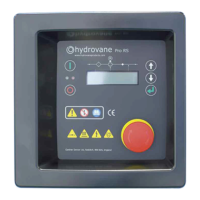
1.0 Operator Controls
6 CC1092267A
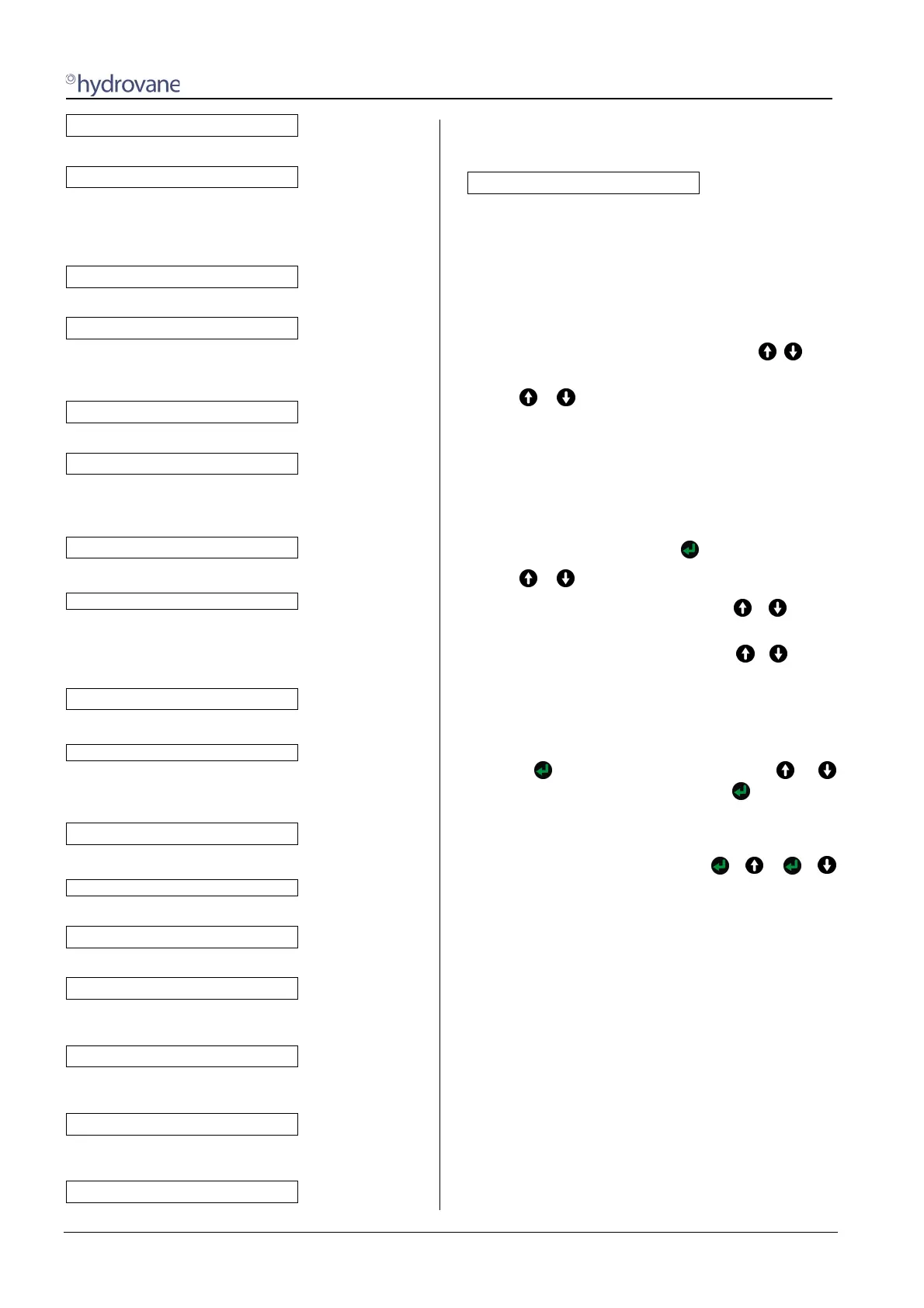
WARNING START AFTER ...
alternating with
... DE-PRESSURISE
The unit has been switched on and is ready. However
the internal unit pressure is above the start-up
protection level. Once the unit has been de-
pressurised, the compressor starts automatically.
WARNING START WITH ...
alternating with
... TIMER CONTROL
The unit has been switched on and is ready. The
compressor is now waiting for start approval from the
timer (see Section 3.3)
WARNING START BY ...
alternating with
... REMOTE OPERATION
The unit has been switched on and is ready. Remote
unit operations have been activated in the control menu.
The unit starts via a remote signal (see Section 3.8).
WARNING START IN xxs
alternating with
... AFTER POWER LOSS
A power loss has caused the unit to shut down. The
'automatic restart' function has been selected in the
control menu. The unit now starts automatically after a
previously set time (see Section 3.1.5)
WARNING START IN
alternating with
... AFTER DRYER PRE-RUN
The unit has been switched on and is ready. The unit
starts automatically after the dryer pre-run (see Section
3.1.3).
MOTOR START PHASE
The unit has been switched on and the motor is starting
ON-LOAD
The compressor is on-load (see Section 2.4).
OFF-LOAD
The Compressor is running off-load (see Section 2.4).
OFF-LOAD XXs
Compressor is running off-load and will shut down in
XX seconds (see Section 2.4).
SOFT STOP TIME in xxs
The system has been switched off. The unit stops after
the soft-stop time of xx seconds.
FAULT: <fault text>
The unit has been shut down due to a fault. You will
find explanations of the fault texts in Section 4.
WARNING <warning text>
There is a warning in place. Ignoring a warning may result
in a fault and shut down the compressor. You will find
explanations of the warning texts in Section 4.5.
MAINTENANCE DUE
A maintenance interval is about to lapse or has already
done so, you will find more details in Section 2.6.
1.3 Displaying / changing values
1.3.1 Selecting values
You can display values, e.g. total hours, and set the control
system, e.g.cut-in and cut-out times, in the sub-menu.
To reach the main menu, you must press the + keys
at the same time.
Use the or keys to switch between the following sub-
menus:
[MAINTENANCE SCHED.]
[CONTROL MENU]
[FAULT MEMORY]
[TIMER CONTROL]
[LIMIT VALUES]
[OPTIONAL IN-/OUTPUTS]
Enter a sub-menu by pressing the
key
.
Use the or keys to go to a menu item.
To exit the sub-menu, you must press the + keys at
the same time.
To exit the main menu, you must press the + keys at
the same time again.
1.3.2 Changing values
Enter the sub-menu and then the menu item containing the
value you wish to change.
Press the key, the value flashes. Press the or
key to change the value, then press the key again to
confirm the value.
1.4 Selecting language
Change the language by pressing the + or +
keys. Press these keys at the same time until the right
language appears.
1.5 Setting pressure
Compressor control/speed is achieved using a pressure
transducer signal to the controller and/or inverter PID to
match output to system demand.
In the [CONTROL MENU] menu you have to set the
maximum pressure CUT-OUT POINT and the minimum
pressure CUT-IN POINT or TARGET PRESSURE.
In the range between the CUT-IN POINT or TARGET
PRESSURE and CUT-OUT POINT the output or speed of
the compressor is controlled or regulated to match the
compressed air requirement.
Example:
CUT-OUT POINT 8.5 bar (123 psi)
CUT-IN POINT (SS) 7.5 bar (109 psi)
TARGET PRESSURE (RS) 8.0 bar (116 psi)


 To Next Page