Installation, Programming and Maintenance User Guide Oxymatic Smart
V. 1.3.2. May 2015
22
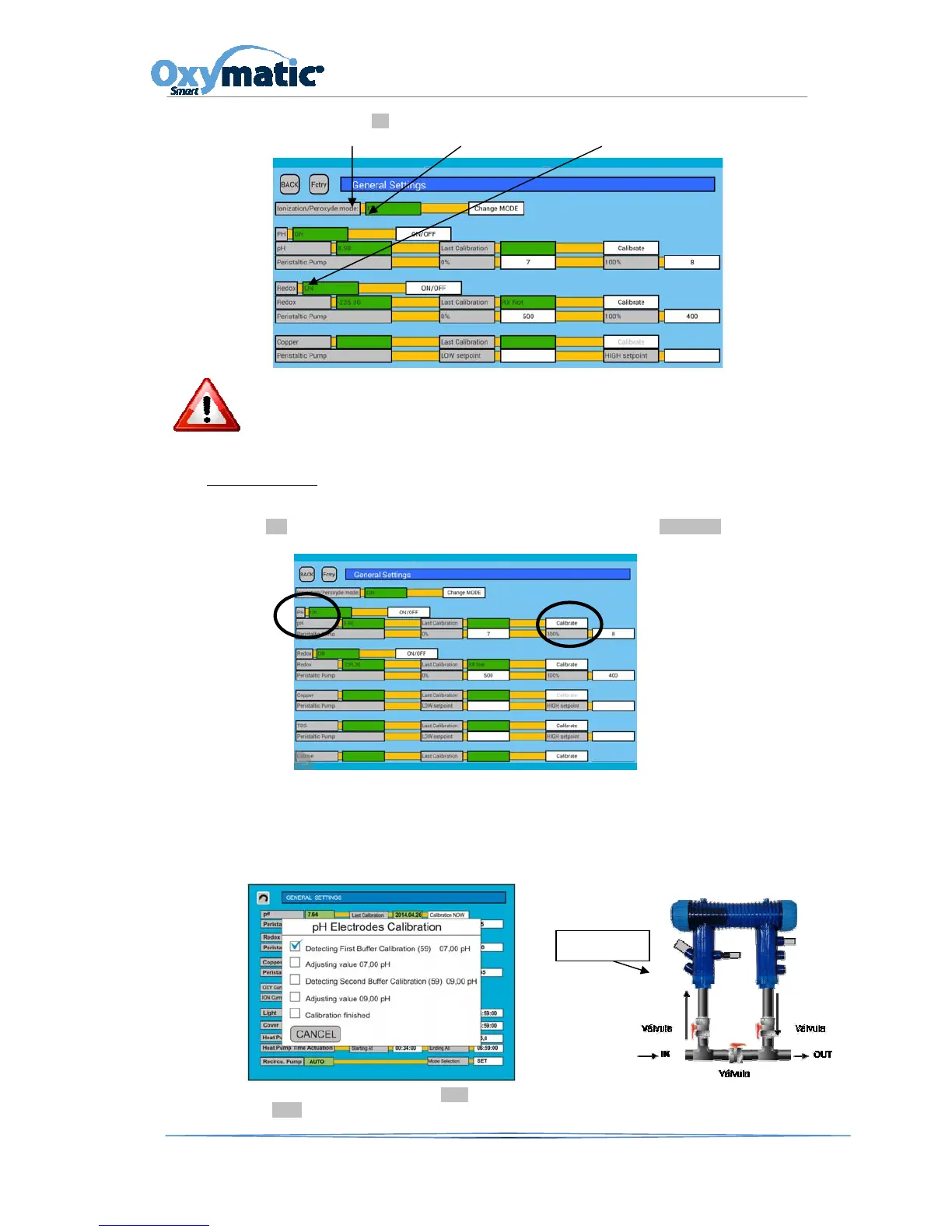
Check if the green box shows ON
ION PER/CL, Rx
.
This will inform us about what option has our Oxymatic.
If the option is Copper and in case it is not showing the adequate level, please see Section 9.2.2
of this manual.
Calibratlng the pH
In private pools, put the set-point 0% at pH 7.1 and at the set-point 100% at pH 8. On the main screen
press the SET button and enter the password 1122. In the pH option, go to CALIBRATE in order to
calibrate the pH probe.
To calibrate the pH probe, we must insert our probe at grading solution no. 7. Once detected and set,
the ‘Adjusting value 07,00 pH’ option will appear. We must then cleanse the probe with clean water
and insert it into grading solution no. 9. Once our probe has been calibrated, the ’Adjusting value
09.00 pH’ option will be displayed on-screen. The ’Calibration finished’ message will then appear on-
screen, so that our probe will be calibrated and we will be able to insert it into the chamber.
Once the probe is calibrated, press the Back button. It will take us back to the main screen. We then
press the AUTO button so that our system will now work with the new calibration.
pH Probe



 To Next Page