Installation, Programming and Maintenance User Guide Oxymatic Smart
V. 1.3.2. May 2015
21
8. PROGRAMMING
Once we have carried out system installation correctly, we can begin programming, according to our requirements.
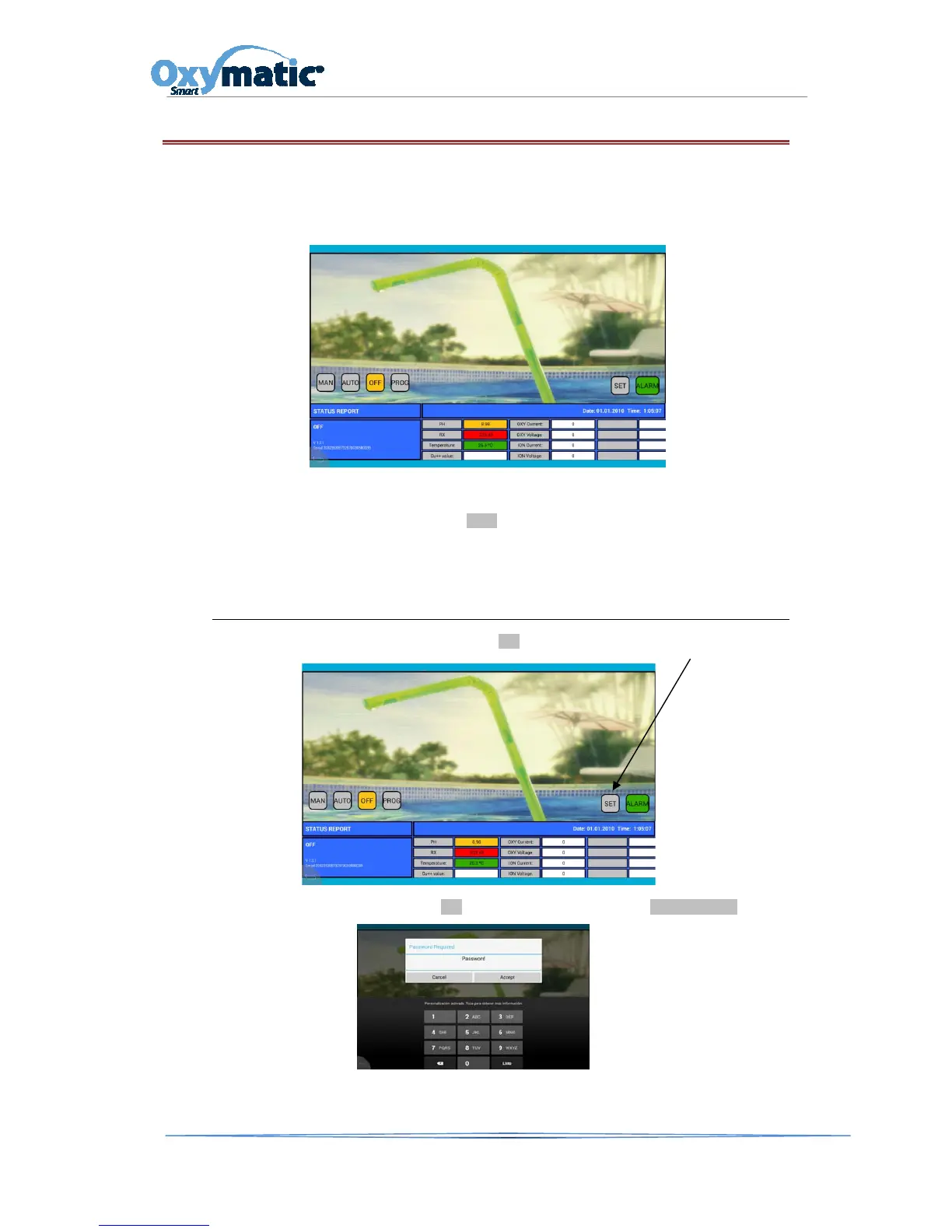
Plug OXYMATIC into a socket (110v-230v). Once plugged in, we can start to navigate by touching the screen. When
starting up our OXYMATIC smart system, the first thing we see is the main screen.
This screen will give us the starting point for our programming and starting up of the system. We inform you
that the systems have been previously programmed by the factory. So if we do not need to make any
additional programming, we just have to press the AUTO button and our Oxymatic will work with the
established programs
.
8.1. SYSTEMSWITHCOPPER(ION),PEROXIDE(PER/CL)AND
REDOX(RX)OPTION
To check which options has our system, press the SET button
When trying to access the options of the SET button, you will have to enter the password 1122



 To Next Page