38
Working Mode UPS AC F.C. Bat First
Unattended 90% ON OFF
Language English España
Display Settings
Date/Time Brightness
Sound
WiFi
Reset
ON OFFEnergy Saver
Parallel Mode Single P. Split P. 3 Phase
Home
Settings
Information
Alerts
中文
When the Energy Saver is ON, the Inverter turns o when the load draw is less
than 30W. Note: Keeping the Inverter shut o ensures the lowest power
consumption of the battery bank. The Inverter only turns on when it detects
load power greater than 30W. Under the Energy Saver mode, the AC Input
power will not charge the battery.
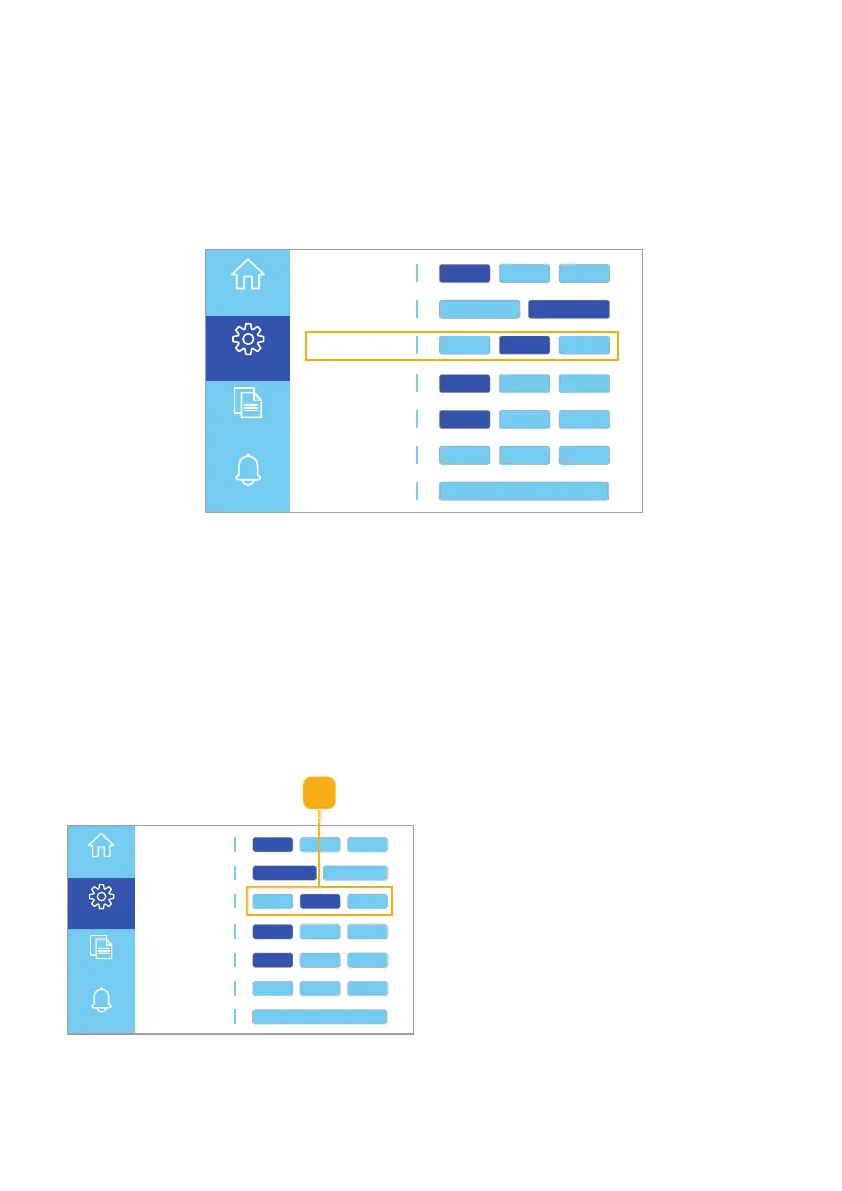
Fig. 6.19 Select unattended mode setting
When Unattended mode is ON: if the battery runs out while a solar array is
connected, the Apollo will automatically restart the AC Output once the battery
charge level reaches the selected auto-start percentage. You may choose an
auto-start percentage between 10% - 90%.
Note: If load power may exceed charging power, we recommend selecting an
auto-start percentage at or above 50% to optimize battery life.
Follow these steps to choose the Unattended mode setting:
Fig. 6.18 Unattended mode settings
1. Set the Unattended mode ON or
OFF (Fig. 6.19).
Unattended Mode Settings
Working Mode UPS AC F.C. Bat First
Unattended 90% ON OFF
Language English España
Display Settings
Date/Time Brightness
Sound
WiFi
Reset
ON OFFEnergy Saver
Parallel Mode Single P. Split P. 3 Phase
Home
Settings
Information
Alerts
中文
1



 To Next Page