46
About
Back
Hardware Model 371-0004
V001Software Version
General parameters
About Screen
Power Generated
Alert History
About
Home
Settings
Information
Alerts
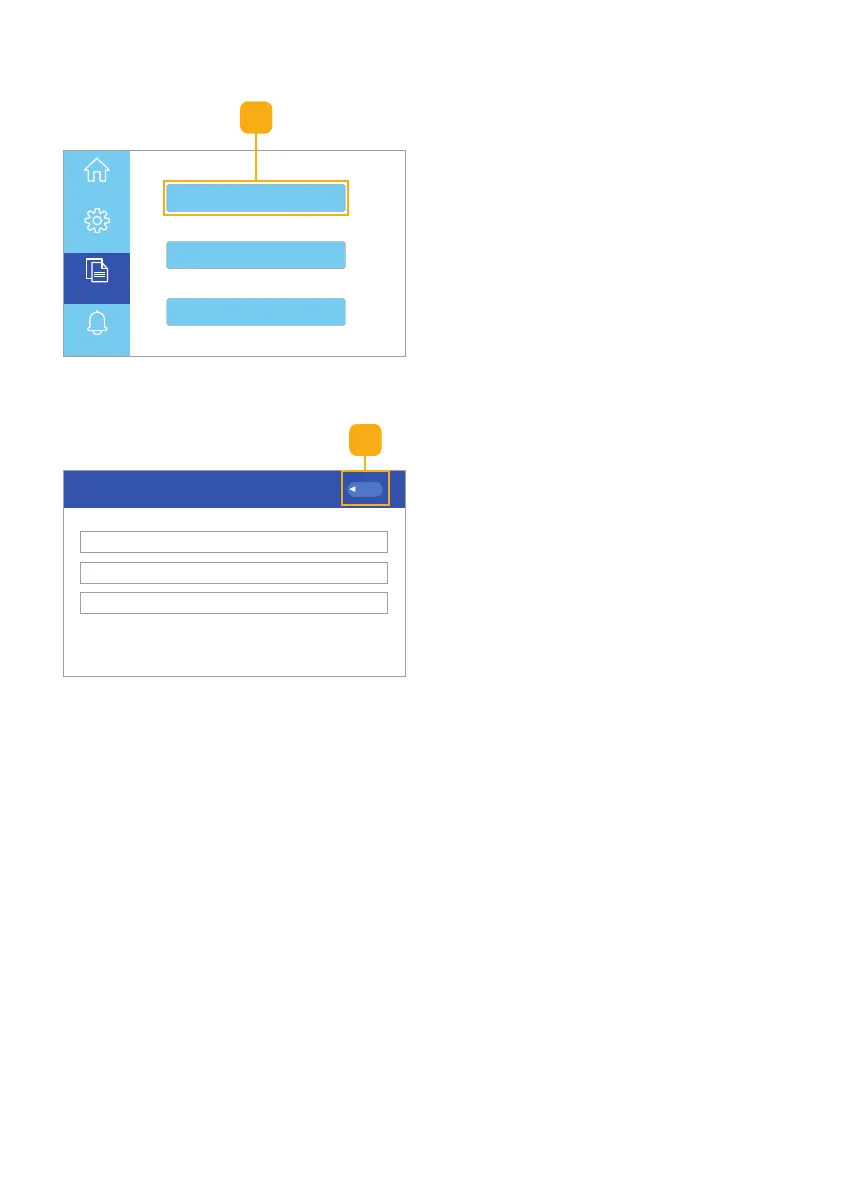
Fig. 6.35 • Select about button
2. Click the Back button to return to
the Homepage UI touchscreen
(Fig. 6.36).
1. Select the About button to view
information about the unit’s
Hardware Model, Software
Version, and General Parameters
(Fig. 6.35).
Fig. 6.36 • About screen
1
2



 To Next Page