47
Power Generated
Back
PV 15.012 Kwh
7.422 Kwh
3.821 Kwh
AC Input
DC Input
Clear
Power Generated
Alert History
About
Home
Settings
Information
Alerts
Alert History Screen
2
Power Generated Screen
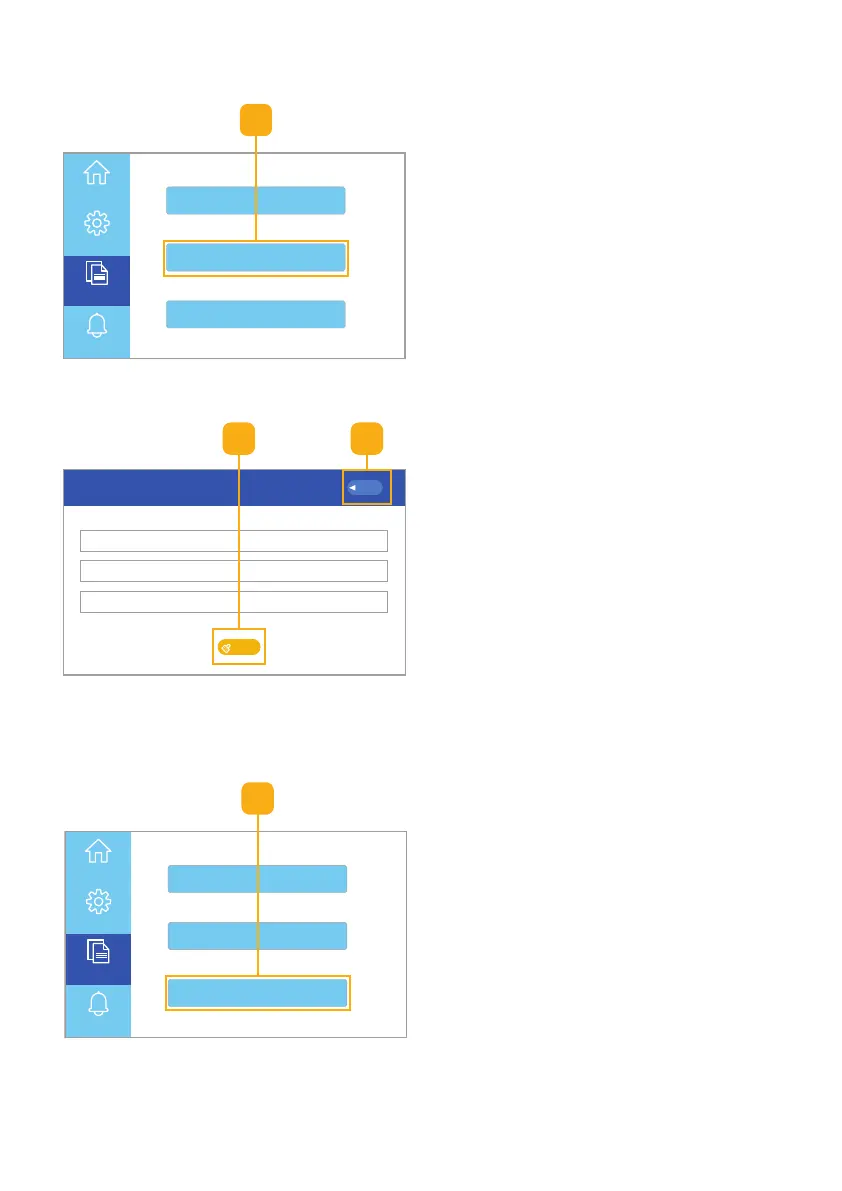
1. Select the Power Generated
button to view the total energy
generated from the PV, AC, and DC
power sources (Fig. 6.37).
Fig. 6.37 • Select power generated button
1
2. Click the Clear button to clear
power generation history
(Fig. 6.38).
3. Click the Back button to return to
the Homepage UI touchscreen.
Fig. 6.38 • Power generated screen
3
1. Select the Alert History button to
view the alert history details
(Fig. 6.39).
Power Generated
Alert History
About
Home
Settings
Information
Alerts
Fig. 6.39 • Select power generated button
1



 To Next Page