8
Basic Operation
●
Shortcut key: You can toggle to the appropriate zone by pressing the
programmed
Zone Up
or
Zone Down
key preset by your dealer.
Selecting a Channel
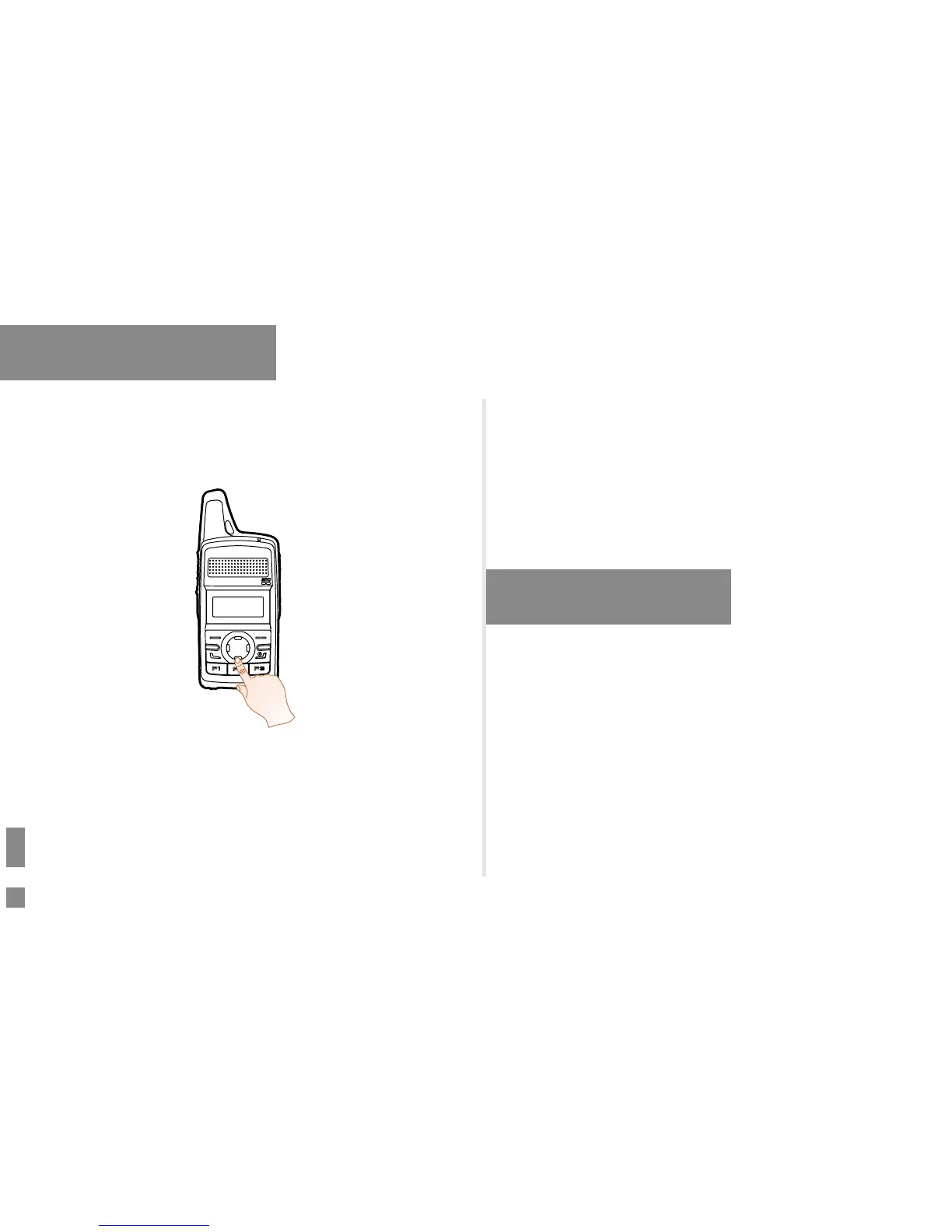
After the radio is powered on, you can press the
Up
or
Down
key to
select the channel.
Locking and Unlocking the Keypad
When the keypad is not in use, you can lock the keypad to prevent
accidental keypad operation.
The following methods are available for you to lock or unlock the keypad:
●
Key Combination: press the
OK/Menu
key and
P1
to lock the keypad;
press any key (other than
PTT, SK1, Volume Up/Left
key and
Volume Down/Right
key) and
P1
to unlock it.
●
Shortcut key: Press the programmed
Keypad Lock
key to lock or
unlock the keypad.
●
Menu Operation: Go to “Menu -> Settings -> Radio Set -> Keypad
Lock” and then select “Enable” or “Disable”.
»
Enable: The keypad will be locked automatically if no operation is
made within the preset time period.
»
Disable: The keypad will
not be locked automatically. However, you
can lock or unlock the keypad via the key combination or
Keypad
Lock
key mentioned above.
Call Services
After the radio is powered on, you can make and receive calls. To ensure
optimal volume of the receiving radio, keep the microphone about 2.5 to
5 centimeters away from your mouth when talking.
●
Private call: It is a voice call between individual user and another
individual
user.
●
Group call: It is a voice call between one individual user and a
predened group of users. All parties in the group can communicate
with each other.
●
All call: It is a one-way voice call from any user to all users on a
channel.


 To Next Page