9
Call Services
Call on Digital Channel
You can initiate a private call, group call or all call (authorized by your
dealer) through the same operations on digital channel. You may request
your dealer to preset a regular private contact, group contact or all call
contact for each digital channel.
The differences between private call, group call and all call are that:
●
In group call, the radio will make a call to all parties involved when
calling back.
●
In private call, the radio will make a call to the calling party when
calling back.
●
You cannot call back in an all call.
Here takes the private call between Radio A and Radio B for example:
Step Radio A Radio B
1 Radio A and Radio B select the same
digital channel.
/
2 / Radio A and Radio
B select the same
digital channel.
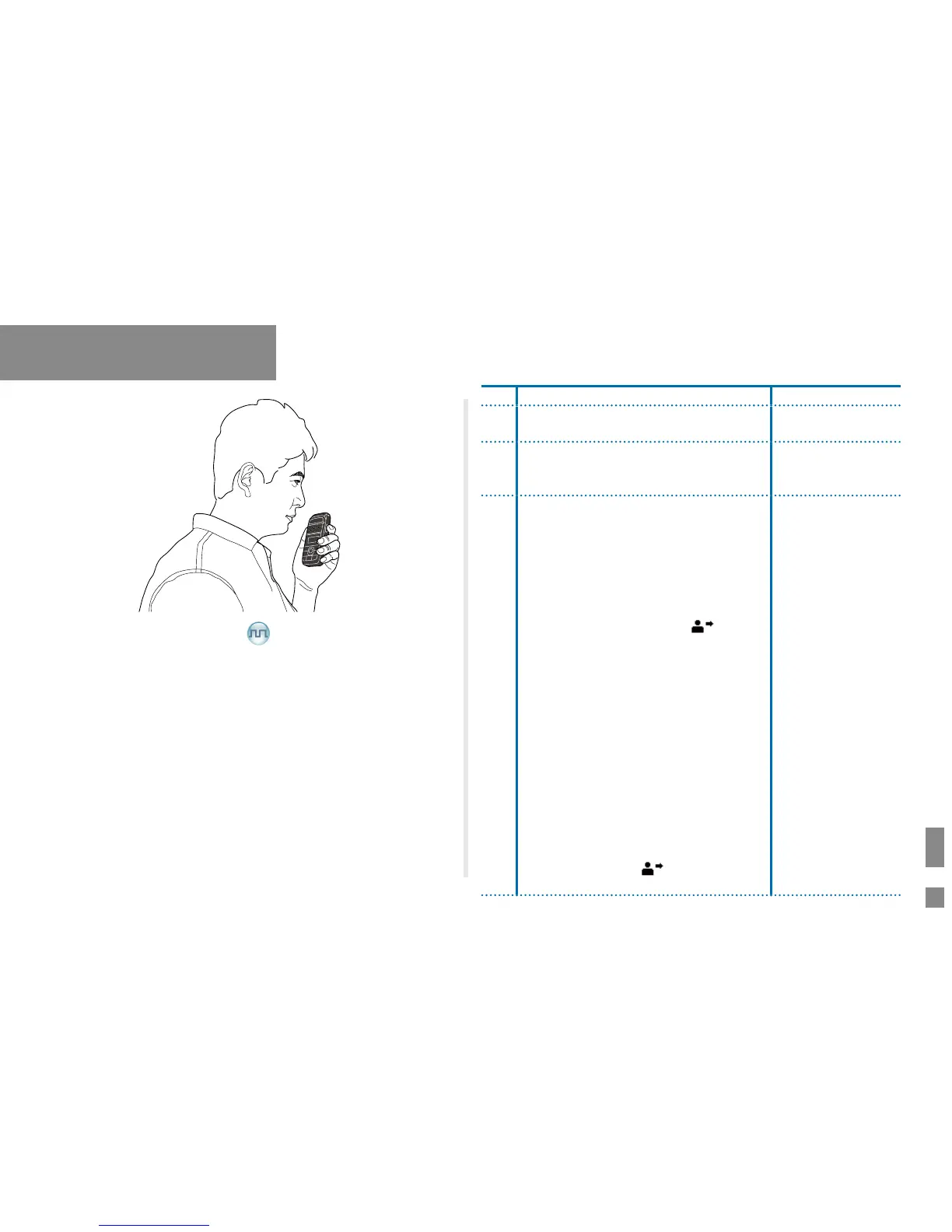
3 Make a private call through any of the
following ways:
● Preset Contact
Radio A holds down the PTT key to
initiate a call. By holding down the PTT
key, Radio A can talk to the microphone
when the LED indicator glows red and
the radio displays the icon
. Radio A
release the PTT key to nish talking.
● Contact List or Call Logs
a. Radio A accesses the contact list via
menu “Contact -> Contact List”,
“Contact -> Favorite Contact” or “Call
Log -> Outgoing/Incoming/Missed”.
b. Radio A presses the
Up
or
Down
key to
select Radio B.
c. Radio A holds down the PTT key to
initiate a call.
d. By holding down the
PTT
key, Radio
A can talk to the microphone when the
LED indicator glows re
d and the radio
displays the icon . Radio A release
the
PTT
key to nish talking.
/


 To Next Page