3
Product Overview
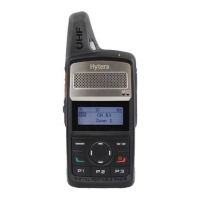
Programmable Keys
For enhanced convenience, you may request your dealer to program the
SK1, P1, P2
and
P3
as shortcuts to certain functions.
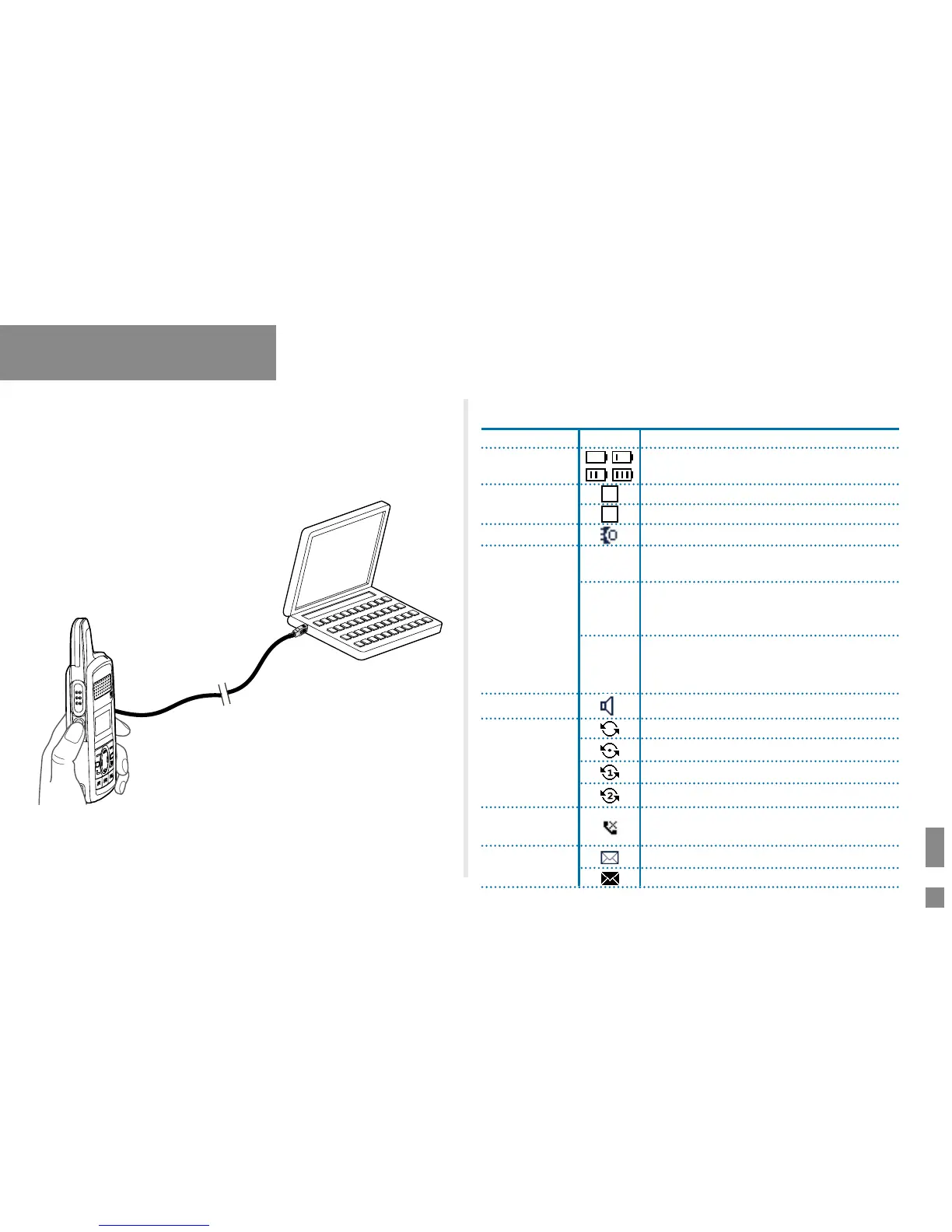
LCD Icon
Name
Icon
Radio Status
Battery Power
Icon
More bars indicate more battery power.
TX Power Icon
L
Low TX power for the current channel.
H
High TX power for the current channel.
Accessory Icon
An accessory is connected.
Operation Mode
Icon
DM
Direct Mode: Under this mode, the radio
can communicate with each other directly.
TD
MA
TDMA Direct Mode: Under this mode, the
radio can communicate with other radios
using the same slot directly.
RM
Repeater Mode: Under this mode, the radio
can communicate with each other via a
repeater.
Monitor Icon
The Monitor feature is active.
Scan Icon
The radio is scanning.
The radio stays on a non-priority channel.
1
The radio stays on priority channel 1.
2
The radio stays on priority channel 2.
Missed Call
Icon
The radio has missed call(s).
Message Icon
New message/unread message.
!
Inbox is full.


 To Next Page