5.1.3 ADSL Settings
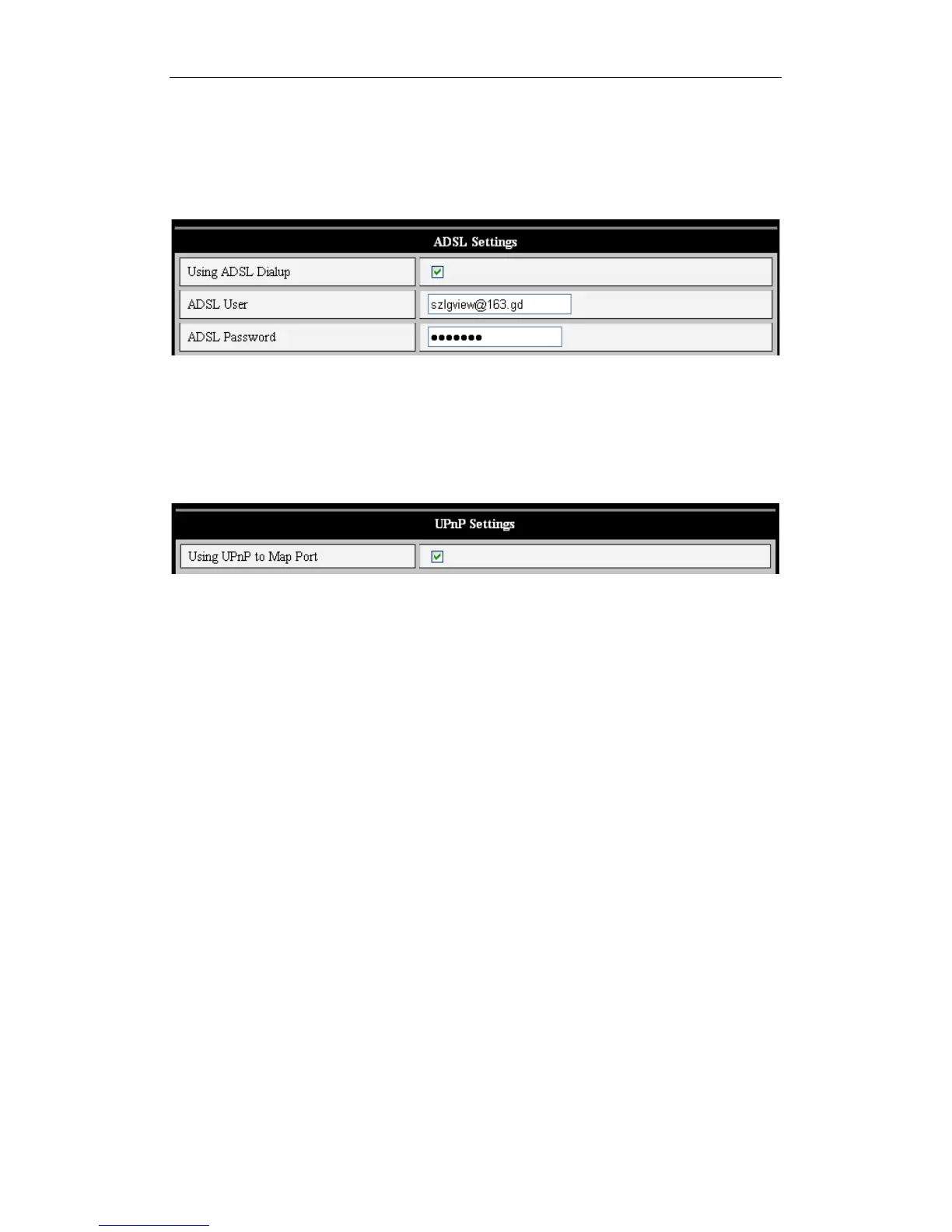
Users with ADSL Dialup should configure their device as shown in Figure 15. The user
name and password should be obtained directly from your ADSL service provider.
Once the settings are saved, connect the iBaby monitor directly to the ADSL modem,
and it will be connected to the Internet.
Figure 15
5.1.4 UPnP Setting
If you enable UPnP by checking its box as shown in Figure 16, the iBaby monitor, upon
power-up, will communicate with the router and handle port-forwarding automatically.
Figure 16
Before using UPnP, please make sure your router’s UPnP function has been enabled.
Note that since not all UPnP implementations are the same, and you may discover that
your router doesn't properly support the iBaby monitor. Should this occur, disable UPnP
and assign port-forwarding manually.



 To Next Page