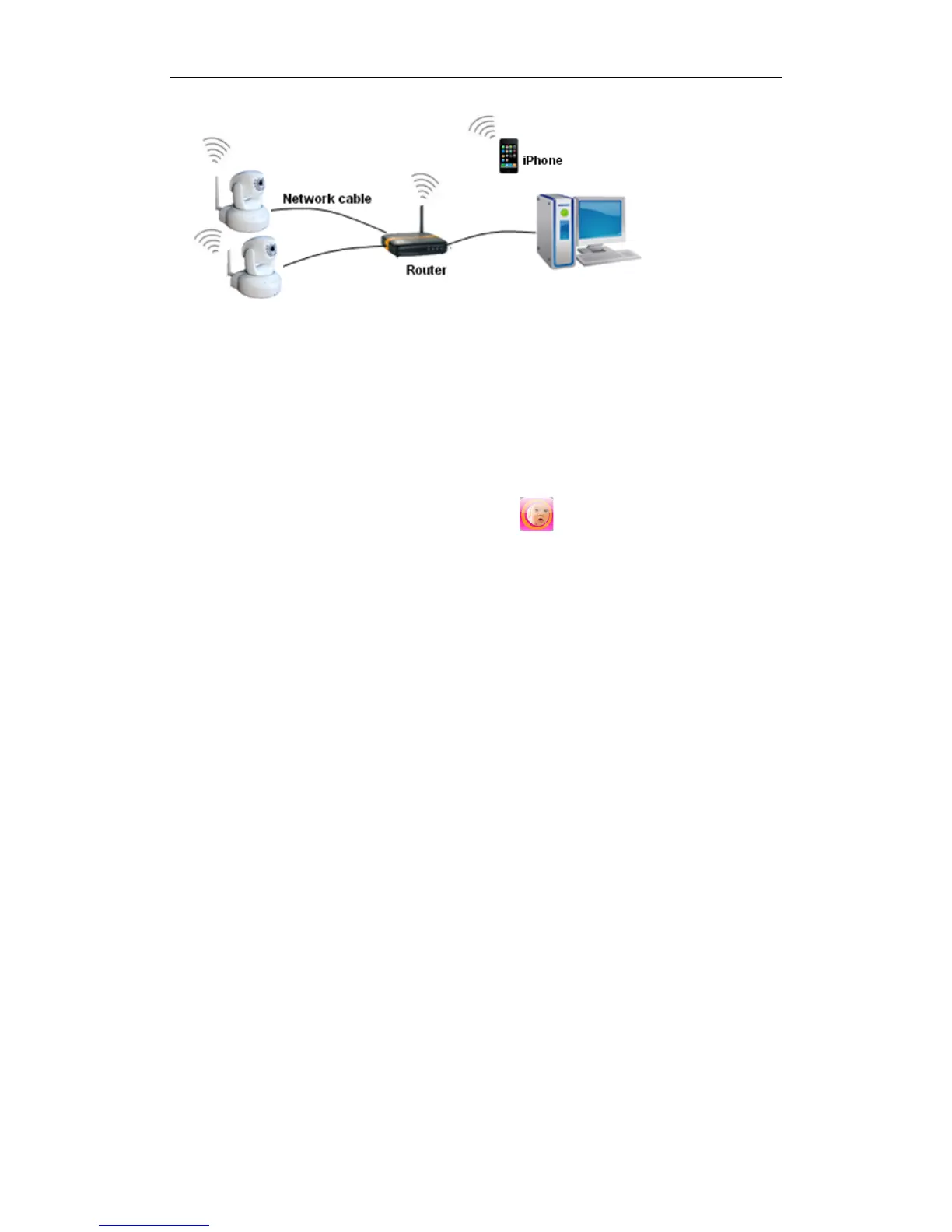
Figure 4
3.2 Accessing the iBaby monitor from an iPod Touch,
iPhone or iPad
You first need to install the iBaby monitor App from the Apple App Store. (Find it by searching
for "iBaby monitor BM.") THIS IS A FREE DOWNLOAD. (Before downloading, first confirm
the iOS on your device is version 4.0 or later. If not, update your iOS.)
After the app has been installed, this icon should appear: .
Launch the iBaby monitor App. The App will search for the camera automatically.
Select the “Set Up” button and follow instructions.
3.3 Configuring the iBaby monitor from a Windows PC: IP
Address
Run “BSearch_en.exe” in the CD. You will see the setting interface shown in Figure 5.



 To Next Page