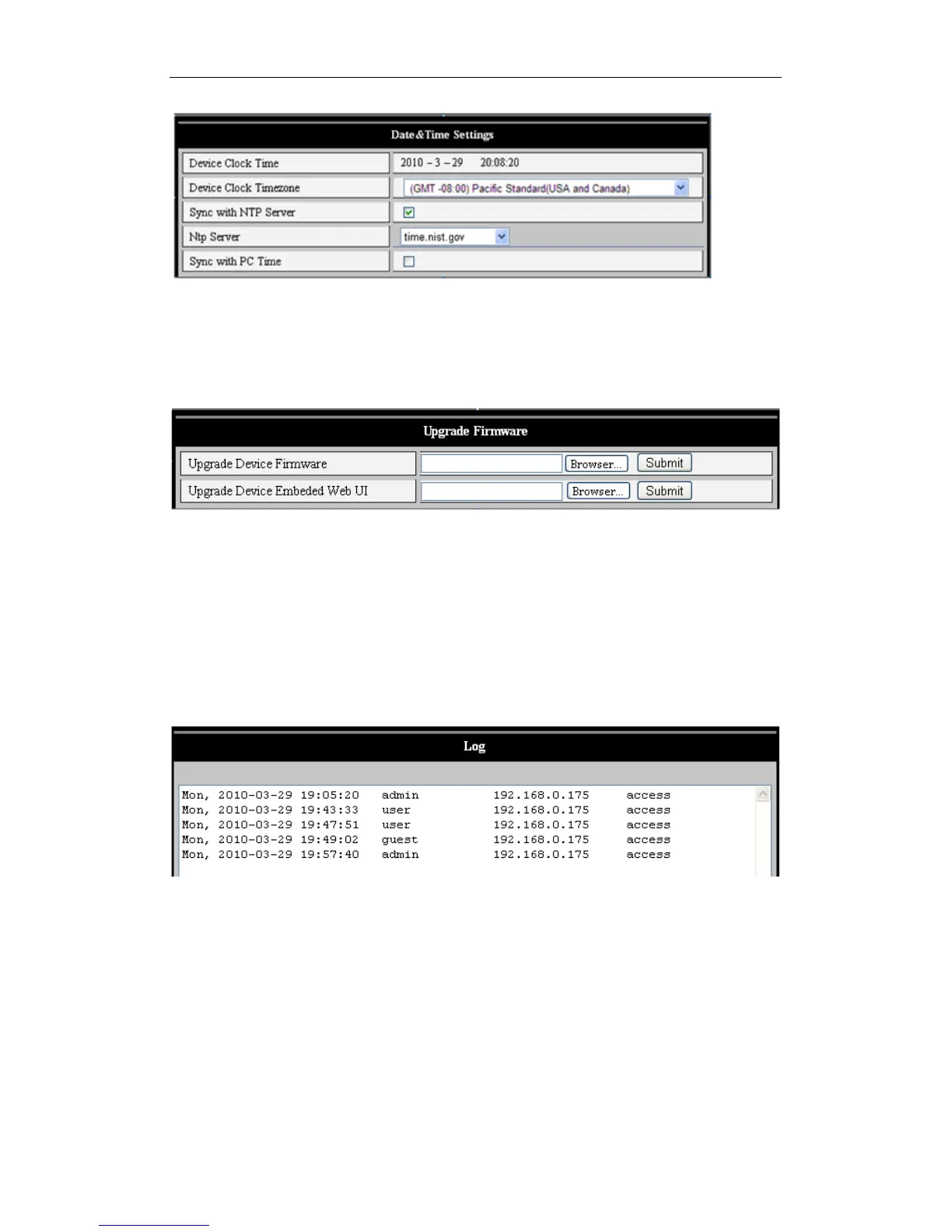
Figure 28
5.4.3 Firmware upgrades
The device runs two kinds of programs: One in system firmware, the other in application
firmware. They can each be upgraded separately.
Figure 29
5.4.4 Restore Factory Defaults
Click “Restore Factory Default.” A confirmation dialogue will appear, allowing the user to
restore all factory defaults. The unit then reboots.
5.4.5 User Browsing Log
As shown in Figure 30, this shows you who has viewed video from your iBaby monitor,
and the time the viewing occurred.
Figure 30
6 Centralization Control
This allows you to browse several devices on a LAN or over the Web at the same time.
Other features are also supported; see Figure 31.



 To Next Page