4 Accessing the iBaby monitor over the Internet
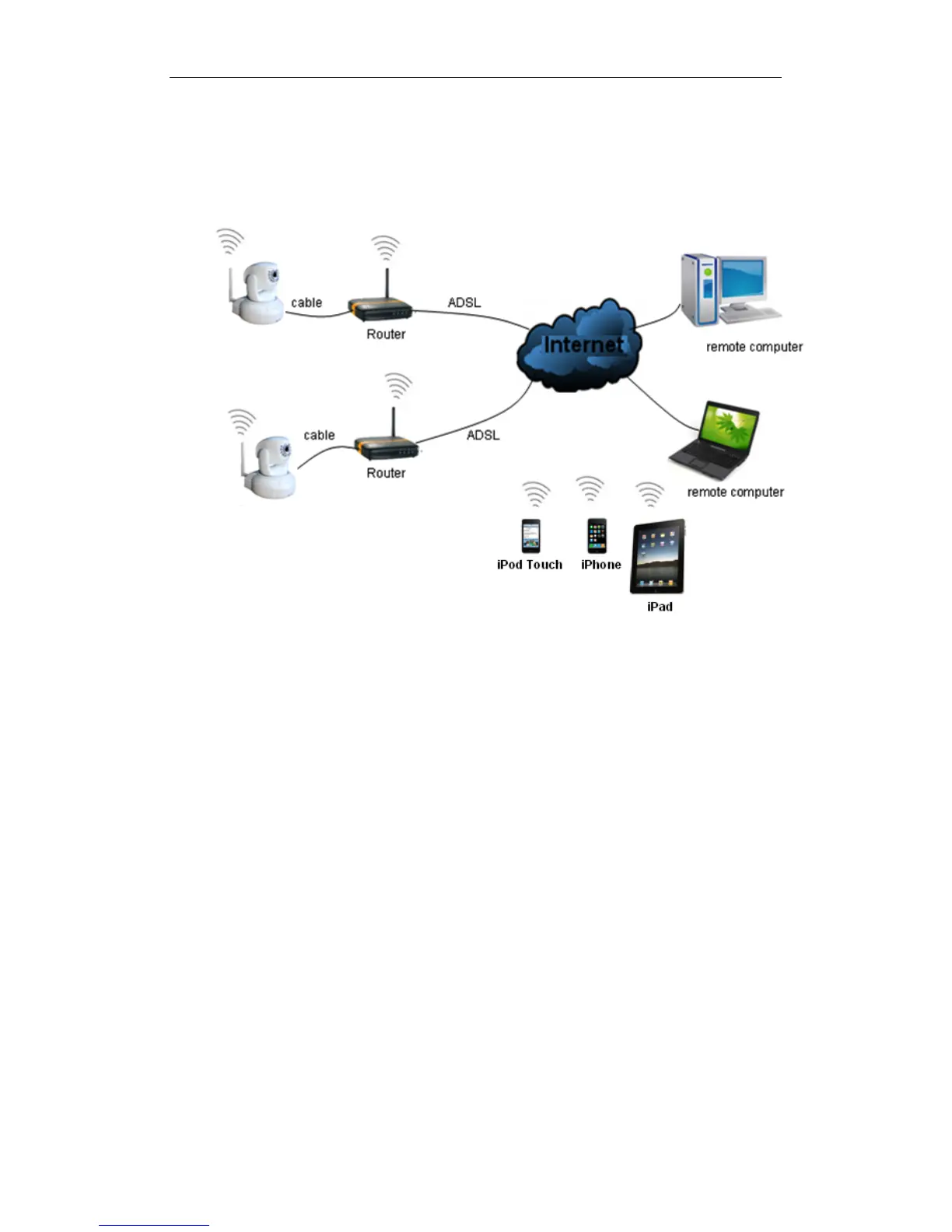
4.1 Internet connection
Figure 10
4.2 Port forwarding
Most current routers have UPnP, or Universal Plug and Play. The default within the
iBaby monitor is for UPnP to be on, meaning that the software takes care of port
forwarding automatically. To configure a port manually, you must first connect to it over
your LAN.
Please consult your router’s User Manual for port forwarding configuration information.
Once port-forwarding is configured, your iBaby Monitor should be accessible over the
Web.
4.3 DDNS
DDNS stands for Dynamic Domain Name Service. Think of it as a URL assigned to your
specific iBaby monitor that allows you to view the monitor from any computer connected
to the Web.
4.3.1 Manufacturer’s DDNS
The device manufacturer has provided a free DDNS. You can find it in the Network menu,
as shown in Figure 11, and on a sticker at the base of the unit.



 To Next Page