In order to use the FTP function, users need to supply the username and password
associated with the FTP site. They should also provide the path name required for any
files that need be stored, and be sure that proper permissions have been set on the
server.
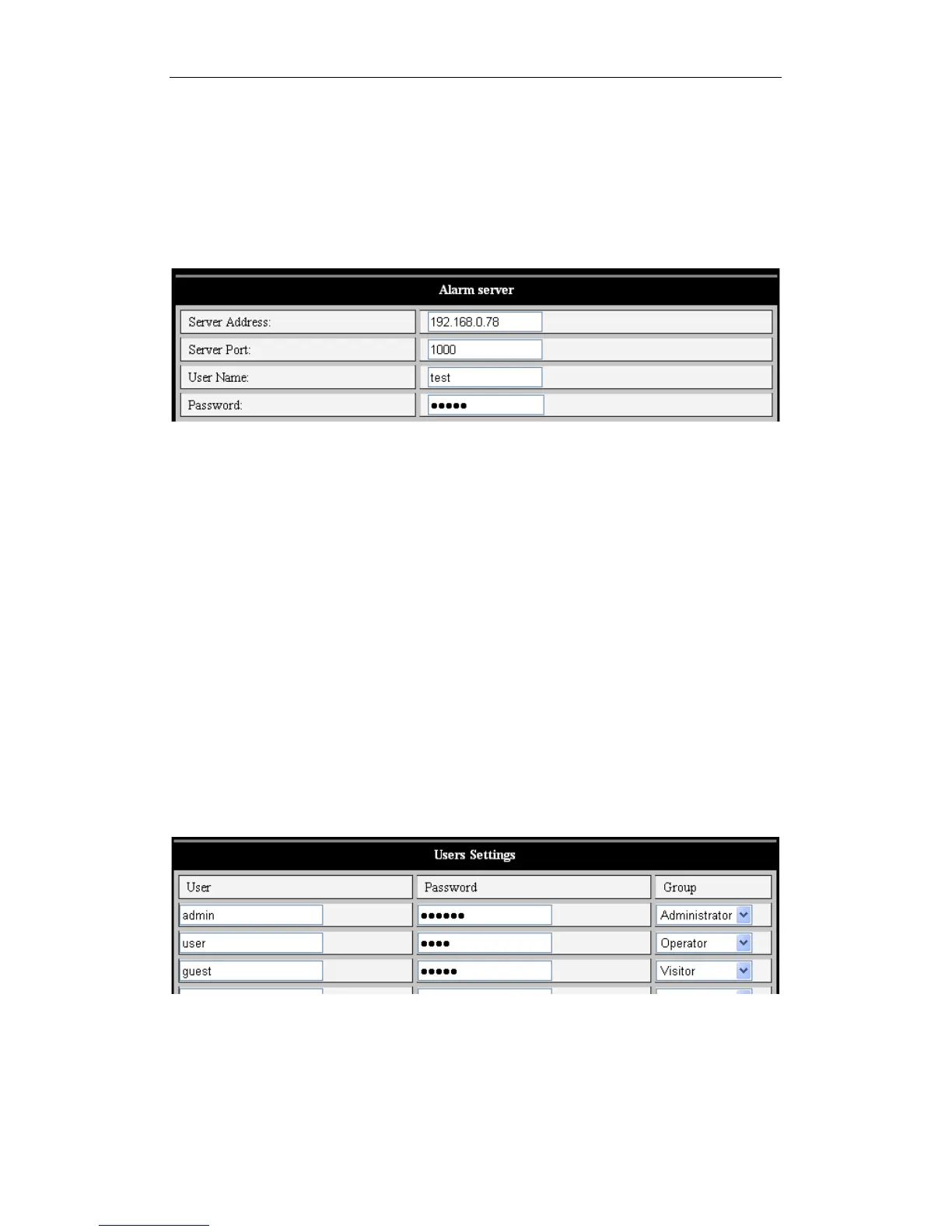
5.2.4 Alarm Server
Figure 22
This section is intended for users who wish to extend alarm notifications to other devices,
such as mobile phones via SMS messaging. The alarm message format is as follows:
GET /api/alarm.asp?
username=username&
userpwd=password&
rea=alarm type (1=Motion Detection, 2 =Alarm from Alarm in port)&
io=0
5.3 Advanced
5.3.1 User Settings
Three user settings are possible. An "Administrator" can change any settings. An
"Operator" can operate the camera but can’t change any settings. A "Visitor" can watch
the video, but is unable to either change settings or control the camera. By default, the
administrator’s user name is "admin", password: "123456".
Figure 23



 To Next Page