5.1.5 DDNS Settings
Please refer Section 4.3.
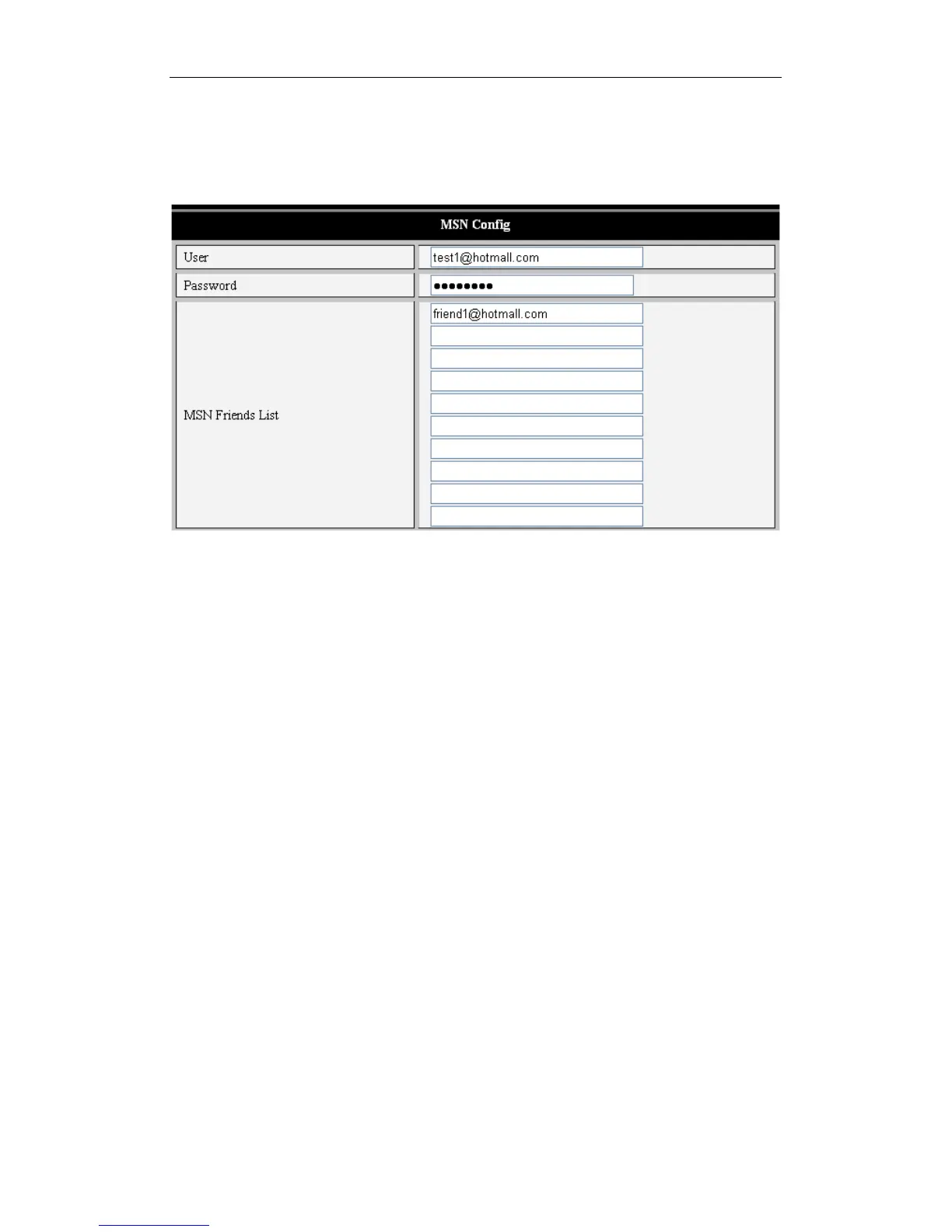
5.1.6 MSN Settings
Figure 17
iBaby monitor users with an MSN email account can fill in this section if they wish. Fill in User
and Password with respective settings from MSN. Then, fill in any email address to receive
iBaby monitor alerts.
5.2 Alarm Settings
5.2.1 Alarm Settings
1) Motion Detection
The alert on your iBaby monitor can be triggered if motion is detected. The sensitivity of
the motion detector needs to be set, using a number between 1 and 10, with 10 being the
most sensitive.
Users have the option of connecting an external alert to their device with the Alarm
Output Socket shown in Figure 2. Once this external alert is connected, users should
check the “Alarm Input Armed” box. If the external alert detector is "always on" switch
alarm, use the "open” option. If the external alert detector is "always off," choose “close”.
The iBaby monitor alert can also be triggered when sounds are detected. Set the
sensitivity of the device; the higher the number, the more sensitive to noise it will be.



 To Next Page