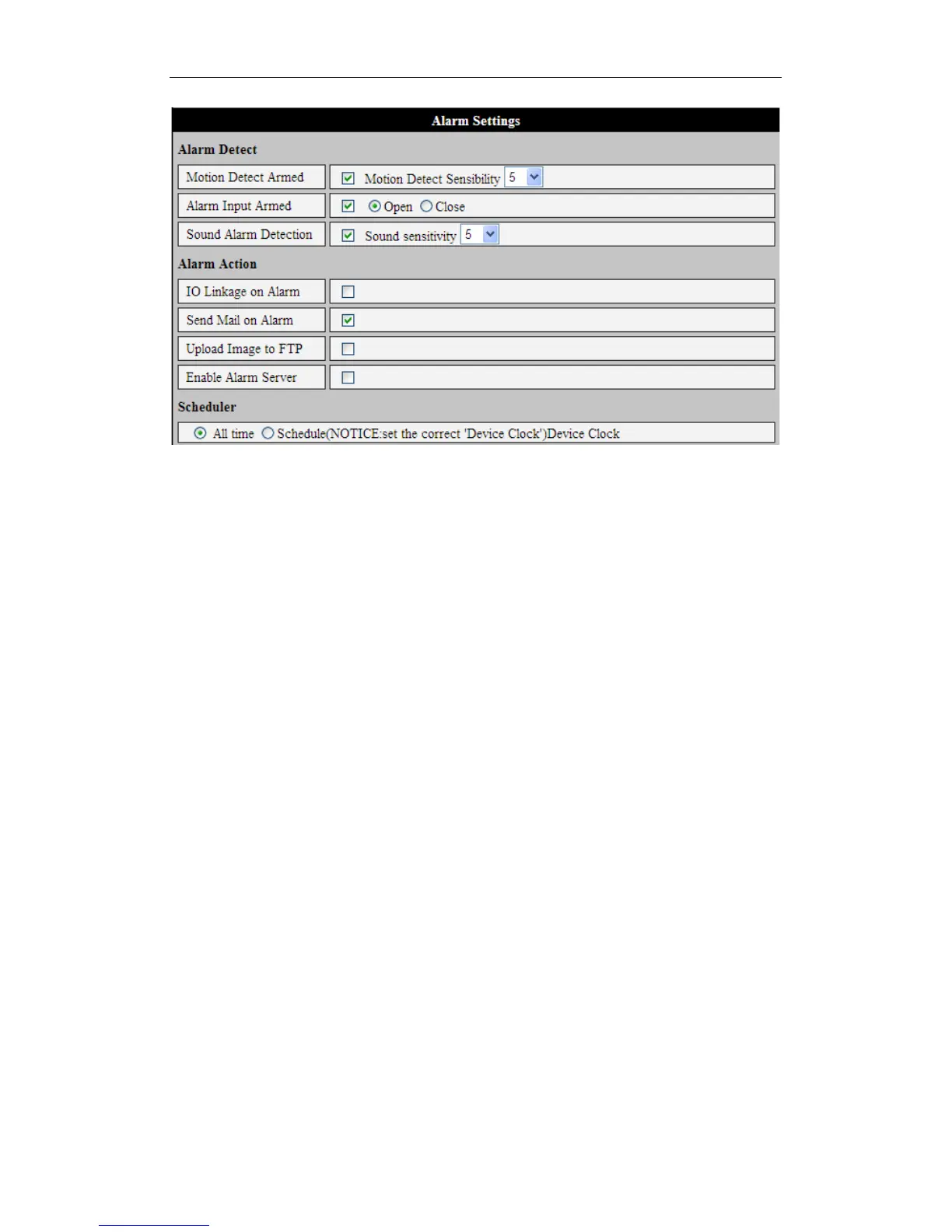
Figure 18
2) Alarm Actions
Several things can happen when an alert is triggered, depending on whether the box for
that action is checked, as shown in Figure 18.
# IO Linkage on Alarm: This triggers whatever external alarm might be plugged
into the iBaby Monitor.
# Send Mail on Alarm. Send an email notification to the supplied email address.
# Upload Image to FTP. This sends still pictures from the camera via FTP. Users
can control the interval at which pictures are sent.
# Enable Alarm Server.
3) Scheduler
Your iBaby monitor can also be set to automatically trigger an alert action at a scheduled
time, including "All the time”. Figure 19 shows how to set up this feature.



 To Next Page