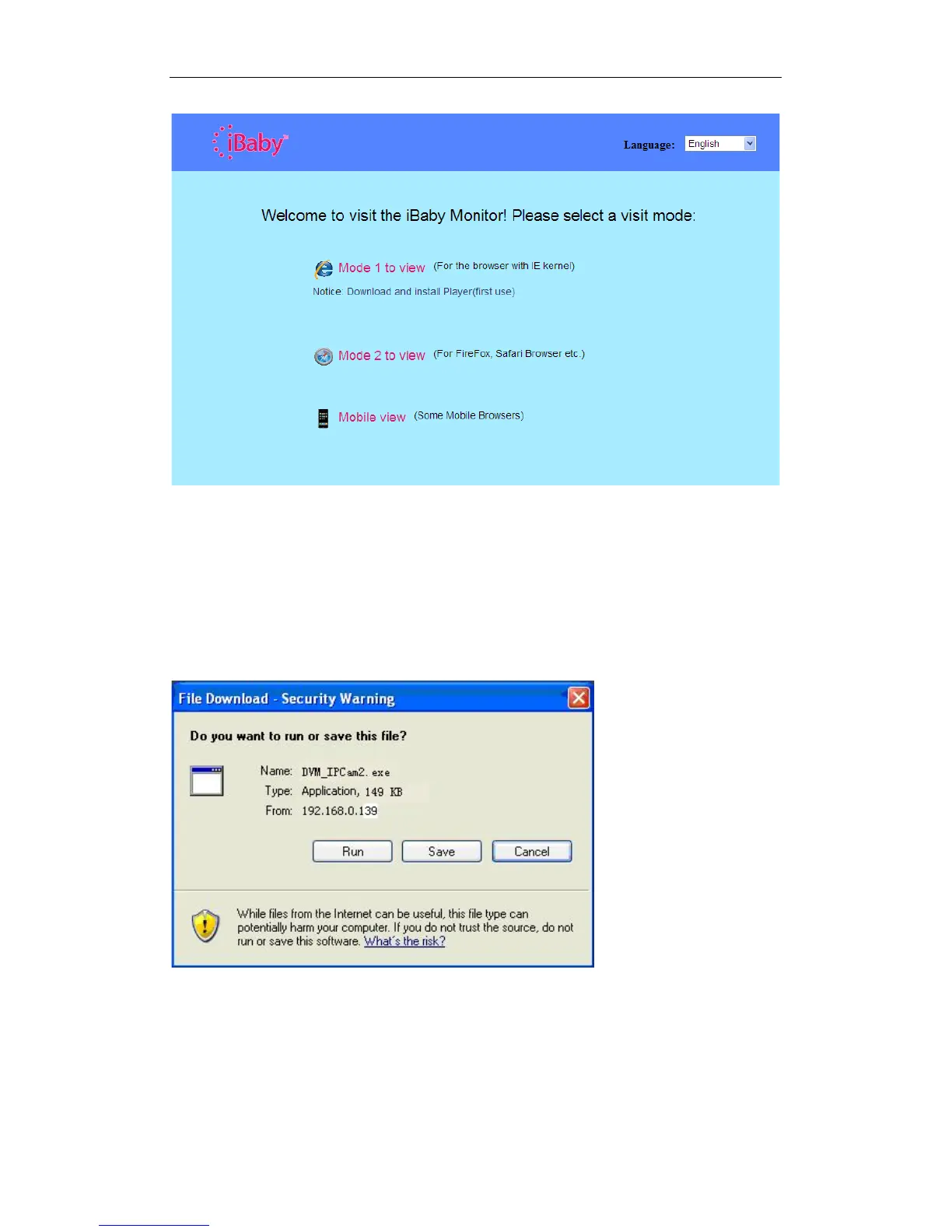
Figure 6
3.4 Accessing the iBaby monitor from a Windows PC
We suggest using Internet Explorer to view your iBaby monitor. First, you will need to
install the player plug-in. To do so, click “Download and install player (first use)”. You'll
then see a dialogue box, as shown in Figure 7. Click Run.
Figure 7
After installing the plug-in, click the “Mode 1 to view” link, shown in Figure 6, to view the
video.



 To Next Page