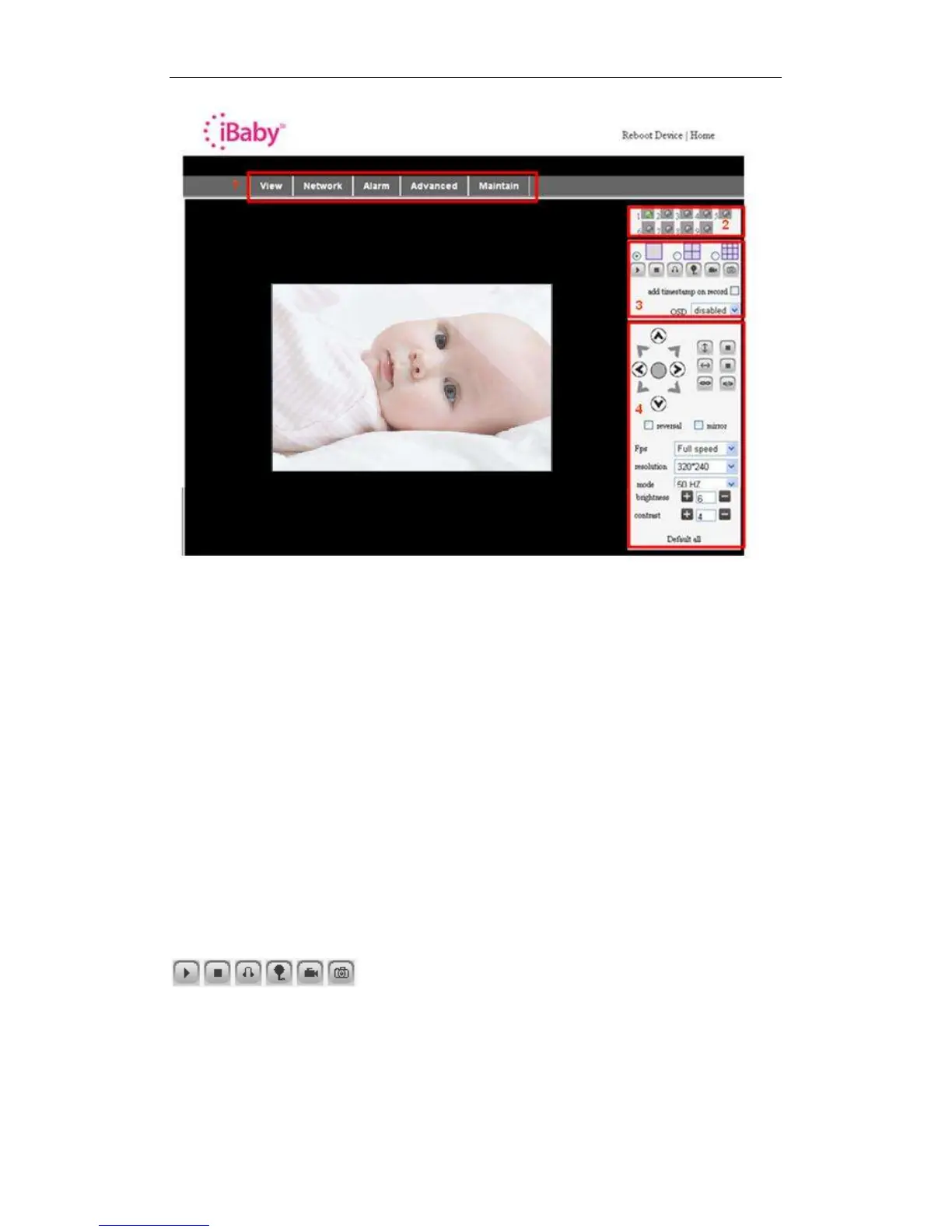
Figure 8
1) Main Menu
The main menu provides links to the different sub-menus of the iBaby monitor software.
2) Status Display Area
This is in the upper right-hand corner of the screen. It shows the status of the device.
" Gray: Not connected.
" Green: Connected.
" Yellow: Improperly configured.
" Red: Alarm.
3) Multi Channel displaying area
Several iBaby monitors can be connected as part of the same system. (See Section
5.3.2 of these instructions.) Video from additional devices will be shown here. Select the
device you wish to control by clicking on it.
These buttons, in the order shown, indicate play, stop, audio, talk, record and take a
snapshot.
Other Settings shown in Figure 9.



 To Next Page