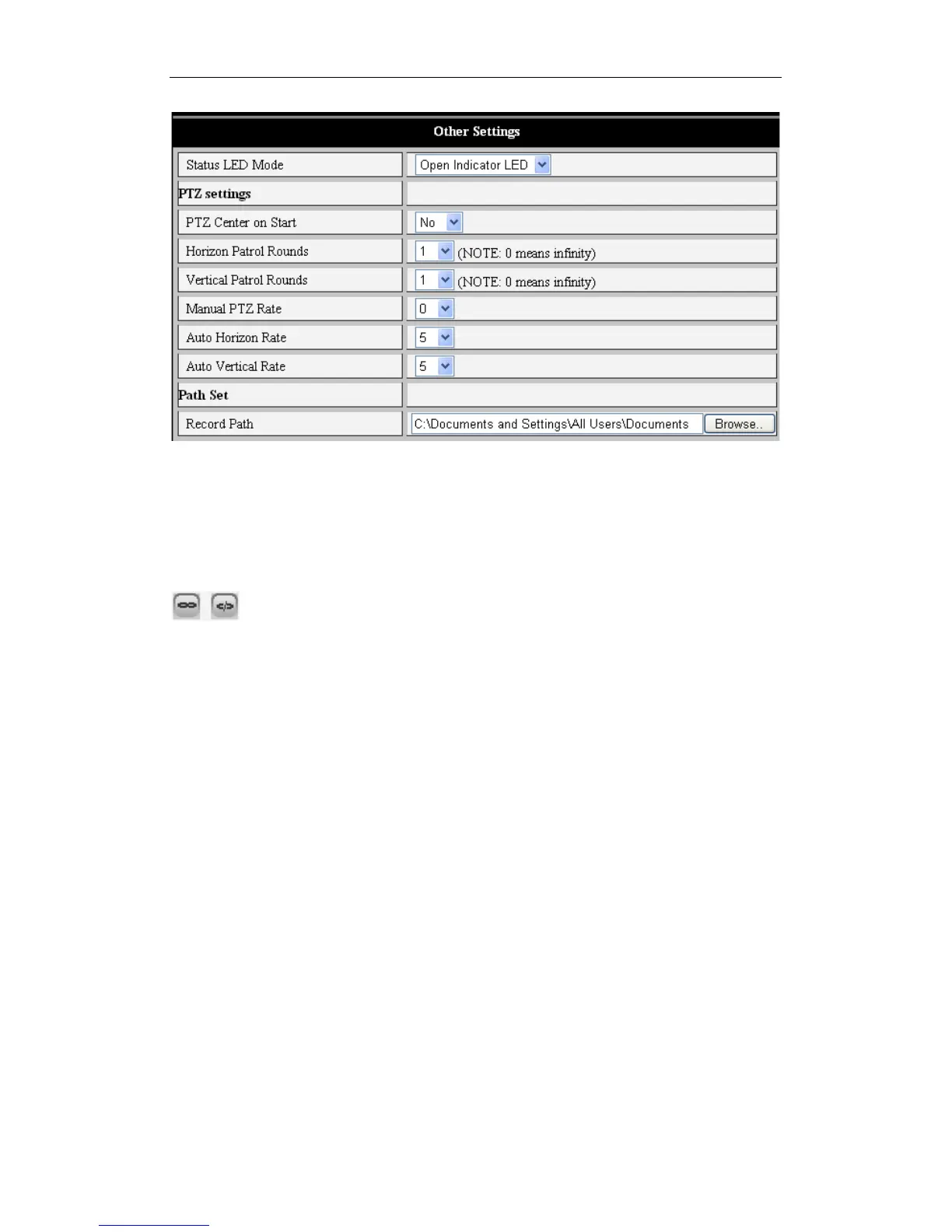
Figure 9
4) Pan/Tilt and video control
Using the icons in the Pan/Tilt control area, user can move their iBaby monitor up, down,
left and right. Other controls are available, such as middle, horizontal cruise, vertical
cruise and stop.
These are used to Open IO output and Close IO output.
User can also set the device frame rate, resolution, brightness, contrast and other
parameters.



 To Next Page