DRIVERS INSTALLATION
3. Click Yes to accept the software license agreement and proceed with
the installation process.
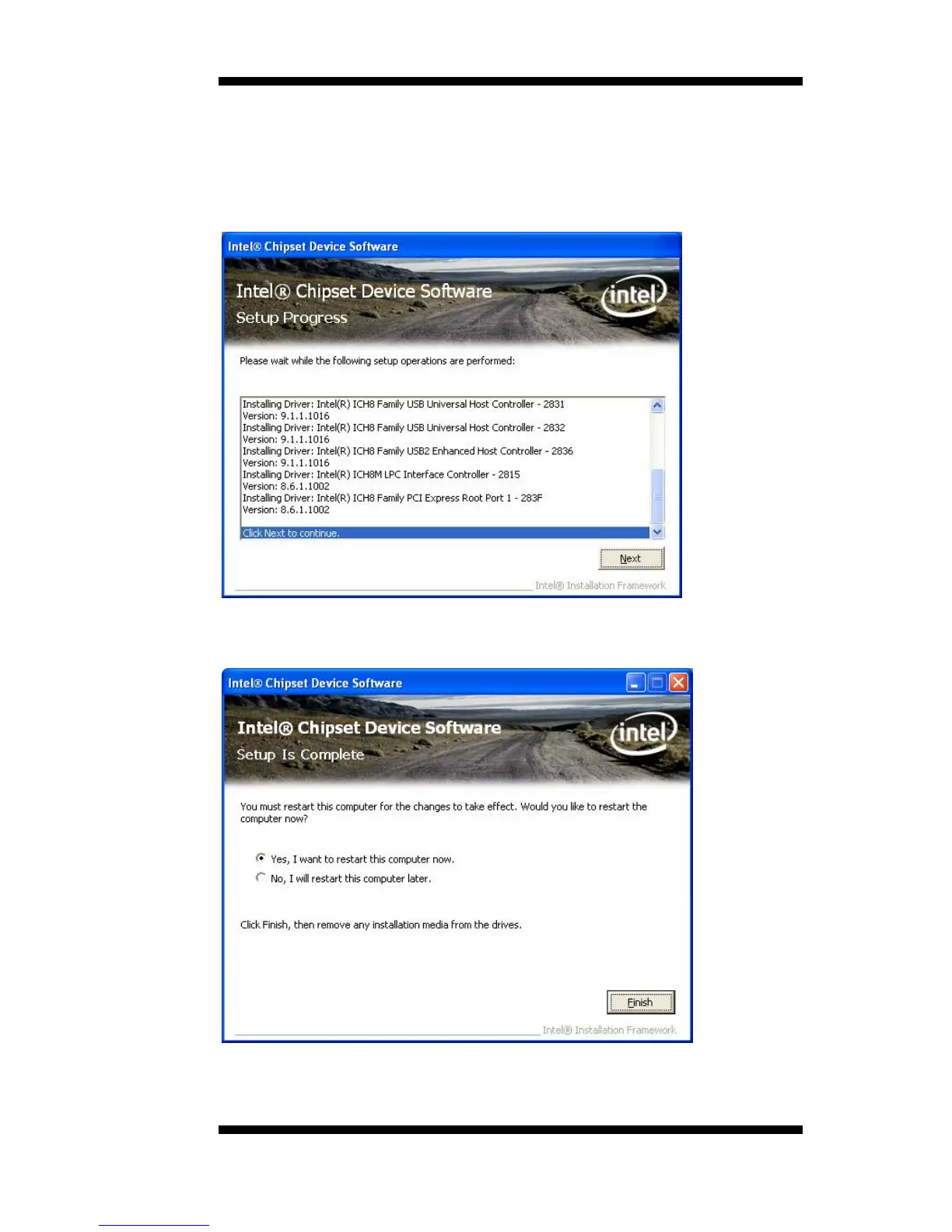
4. On the Readme Information screen, click Next to continue.When the
Setup Progress screen appears, click Next to continue.
5. The Setup process is now complete. Click Finish to restart the
computer and for changes to take effect.
IB891 User’s Manual 41



 To Next Page