DRIVERS INSTALLATION
Realtek RTL8111DL LAN Drivers Installation
Follow the steps below to install Realtek RTL8111DL LAN Drivers.
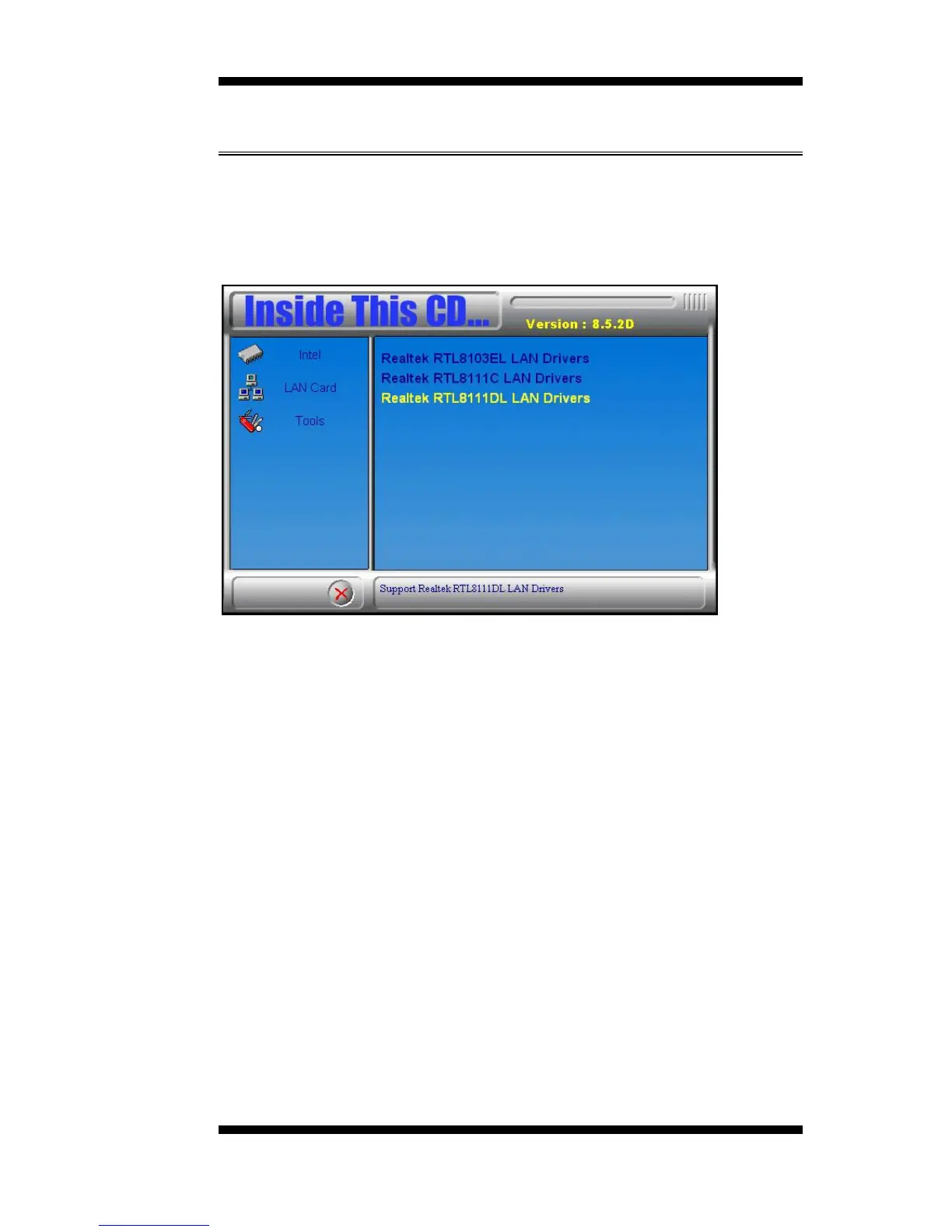
1. Insert the drivers DVD into the DVD drive. Click LAN Card and then
Realtek LAN Controller Drivers. Click Realtek RTL8111DL LAN
Drivers.
2. In the welcome screen of the InstallShield Wizard for REALTEK
GbE & FE Ethernet PCI-E NIC Driver, click Next.
3. In the InstallShield Wizard screen, click Install to begin the
installation.
4. InstallShield Wizard completed. Click Finish to exit the Wizard.
IB891 User’s Manual 45



 To Next Page