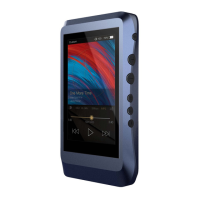
The following is the instruction:
12
The DX220 supports up to 32bit/384kHz PCM, and
native DSD up to 512x when be used as a USB-DAC.
1. Power on the DX220.
2. Press the DAC on button on Settings/DAC.
3. The“USB DAC”screen will be shown on the DX220.
4. Connect the DX220 to a computer via the furnished
type-C Cable.
5. Select “iBasso Audio HiFi device” as the audio output
device. Then one can play music on the computer and
listen it via the DX220.


 To Next Page