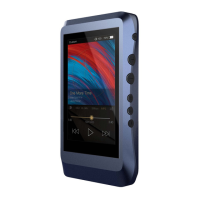
3
Type-C Cable:
Coaxial Cable:
Balanced Burn-in Cable:
Leather Case:
Screen Protector:
Warranty Card:
Quick Start Guide:
Connect the Type-C cable to a computer for charging,
data transfer, and USB-DAC function.
Connect the coaxial cable to an external DAC, to allow
the DX220 working as a digital transport.
Plug the burn-in cable into the BAL out socket, and keep
playing music to burn-in the DX220. The burn-in process
helps the DX220's sound reach its full potential by forming
the capacitors and stabilizing the electronic components
used.
Use the leather case to protect the DX220’s chassis from
scratches.
Use the screen protector to protect the DX220’s screen
from scratches.
The warranty will be requested at the time of warranty
repair. Please retain the warranty card.
This reviews the basic functions of the DX220.


 To Next Page