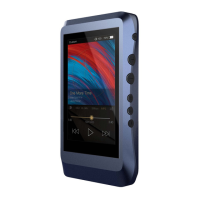
The following are the instructions for USB DAC use:
① Power on the DX220.
② Press the DAC On button on Settings/USB DAC.
③ The“USB DAC”screen will be shown on the DX220.
④ Connect the DX220 to a computer via the furnished
type-C Cable.
⑤ Select “iBasso Audio HiFi device” as the audio output
device. Then one can play music on the computer and
listen it via the DX220, which will use the DX220 day
and amplifier. Or you can use the line out of the DX220
into any amp of choice.
55


 To Next Page