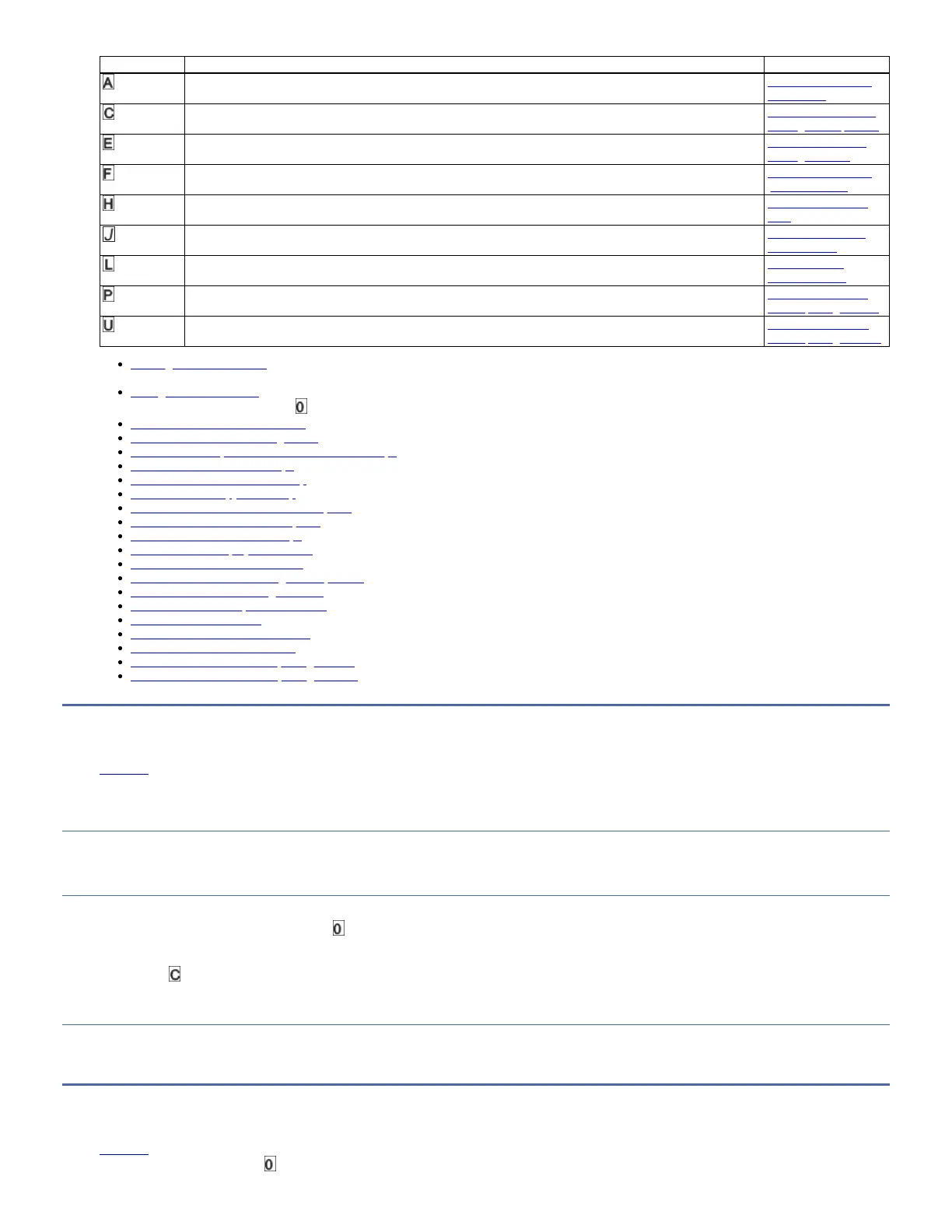
Function Code Diagnostic or Maintenance Function Instructions Location
Clear Error Code Log: Erases the contents of the error code log. Function code A: Clear
error code log
Insert Cartridge into Tape Drive: This function cannot be selected by itself, but is a part of other maintenance functions
(such as Run Tape Drive Diagnostics and Create FMR Tape) that require a tape cartridge to be loaded.
Function code C: Insert
cartridge into tape drive
Test Cartridge & Media: Completes tests to ensure that a suspect cartridge and its magnetic tape are acceptable. Function code E: Test
cartridge & media
Write Performance Test: Completes tests to ensure that the drive can read from and write to tape. Function code F: Write
performance test
Test Head: Completes tests to ensure that the tape drive's head and tape-carriage mechanics are working correctly. Function code H: Test
head
Fast Read/Write Test: Completes tests to ensure that the drive can read from and write to tape. Function code J: Fast
read/write test
Load/Unload Test: Tests the drive's ability to load and unload a tape cartridge. Function code L:
Load/unload test
Enable Post Error Reporting: When selected, deferred-check conditions are reported to the host. Function code P: Post
Error Reporting enabled
Disable Post Error Reporting: When selected, deferred-check conditions are NOT reported to the host. Function code U: Post
Error Reporting disabled
Entering Maintenance mode
The drive must be in Maintenance mode to run drive diagnostic tests or maintenance functions.
Exiting Maintenance mode
The drive must be in Function Code to exit Maintenance mode.
Function code 0: Maintenance mode
Function code 1: Run drive diagnostics
Function code 2: Update drive firmware from FMR tape
Function code 3: Create FMR tape
Function code 4: Force a drive dump
Function code 5: Copy drive dump
Function code 6: Run host interface wrap test
Function code 7: Run RS-422 wrap test
Function code 8: Unmake FMR tape
Function code 9: Display error code log
Function code A: Clear error code log
Function code C: Insert cartridge into tape drive
Function code E: Test cartridge & media
Function code F: Write performance test
Function code H: Test head
Function code J: Fast read/write test
Function code L: Load/unload test
Function code P: Post Error Reporting enabled
Function code U: Post Error Reporting disabled
Entering Maintenance mode
Edit online
The drive must be in Maintenance mode to run drive diagnostic tests or maintenance functions.
About this task
To place the unit in Maintenance mode:
Procedure
1. Make sure that no cartridge is in the drive.
2. Press Unload three times within 2 seconds. displays in the Single-character Display (SCD), the Ready light is flashing, and the Fault light turns On.
Note: If a cartridge is in the tape drive, it ejects the first time that you press Unload and the drive is placed in Maintenance mode. To continue placing the drive in
Maintenance mode, complete the preceding step. While in Maintenance mode, the drive does not accept a cartridge unless the drive requests it. The SCD displays a
flashing to indicate a cartridge must be inserted.
Results
Maintenance functions cannot be completed concurrently with read or write operations. While in Maintenance mode, the drive does not receive host interface commands
from the server.
Exiting Maintenance mode
Edit online
The drive must be in Function Code to exit Maintenance mode.



 To Next Page