18
6
BASIC OPERATIONS
6
7
10
15
18
8
13
11
16
9
14
12
17
1
4
2
5
3
■ AquaQuake Water Draining function
Water in the speaker grill may mue the sound coming from the speaker. The
AquaQuake Water Draining function removes water from the speaker grill by vibrating the
speaker.
CAUTION: DO NOT use the AquaQuake Water Draining function when an external
speaker microphone is connected.
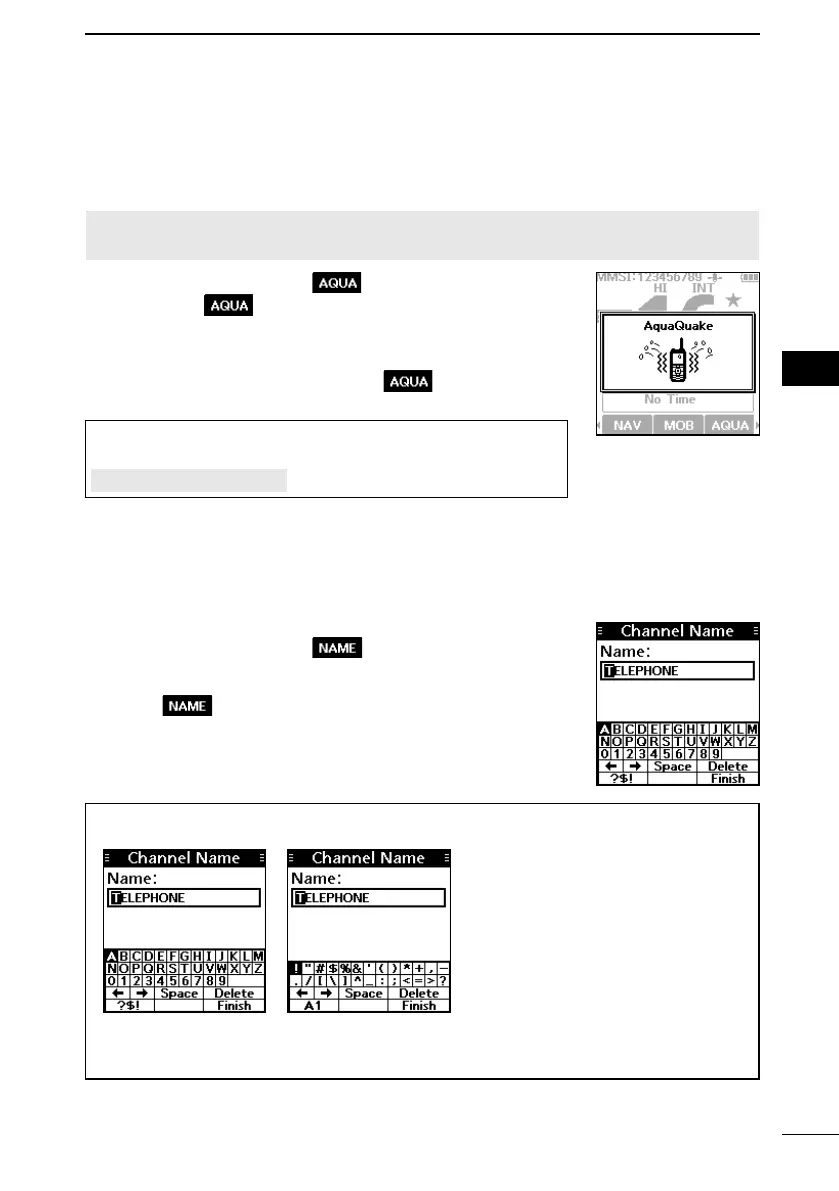
1. Push [◄] or [►] to select
.
2. Hold down
to turn ON the function.
• A low frequency vibration beep sounds to drain the water,
regardless of the volume level setting.
L This function is activated for a maximum of 10 seconds,
even if you continue to hold down
.
3. Release the key to turn OFF the function.
TIP: You can also use the function by selecting the
“AquaQuake” item on the Menu screen.
[MENU] > AquaQuake
■ Editing a channel name
You can edit the name of each operating channel and weather channel, using numbers,
uppercase letters, symbols, and a space. This enables easy recognition of the channels
or stations. All VHF marine channels are set with default names.
1. Push [▲] or [▼] to select the channel to edit.
2. Push [◄] or [►] to select
.
L You cannot edit a channel name during Dualwatch, Tri-
watch, or a Scan.
3. Push .
• The “Channel Name” screen is displayed.
4. Edit the channel name.
5. Select “Finish,” and then push [ENT] to save the edited
name and return to the operating screen.
TIP:
• Select [? $ !] to enter symbols, and select [A1] to enter numbers and letters.
• Select characters or space using [▲]/[▼]/[◄]/[►].
• Push [ENT] to enter the selected character.
• Select “←” or “→” on the screen to move the cursor.



 To Next Page