30
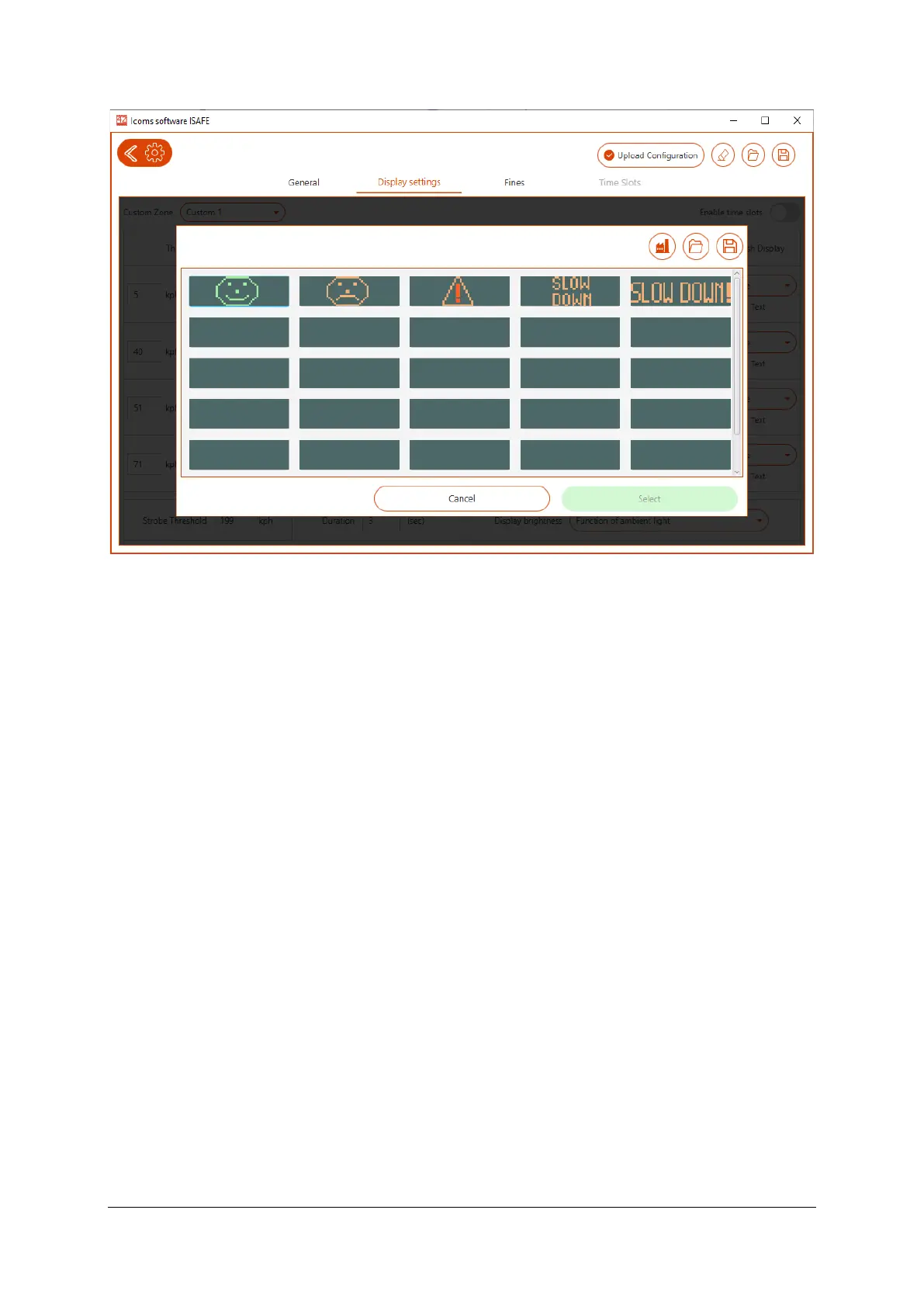
Screenshot 11: sample text and pictogram library for the tricolor I-SAFE 2
To edit an existing text or pictogram, choose the item that suits you and click on “Modify”. The
IcomSoft will then show the editor, see Screenshot 12.
• For the unicolor I-SAFE 2, click on a LED to light it up and click again to erase the pixel.
• For the tricolor I-SAFE 2, click on a LED several times to go from green to orange to red to
switched off. It is also possible to type text using the input box. This functionality is an option.
o If the software is connected to the I-SAFE via Bluetooth, the software recognizes that
it is an I-SAFE 2 with a three-color text matrix and the option is activated automatically.
o If the configuration is done by USB key, activate the tricolor option manually by
pressing CTRL + SHIFT + B when you are on the screen for modifying the pictograms,
for example as shown on Screenshot 12.
Click “Save” once ready.



 To Next Page