56
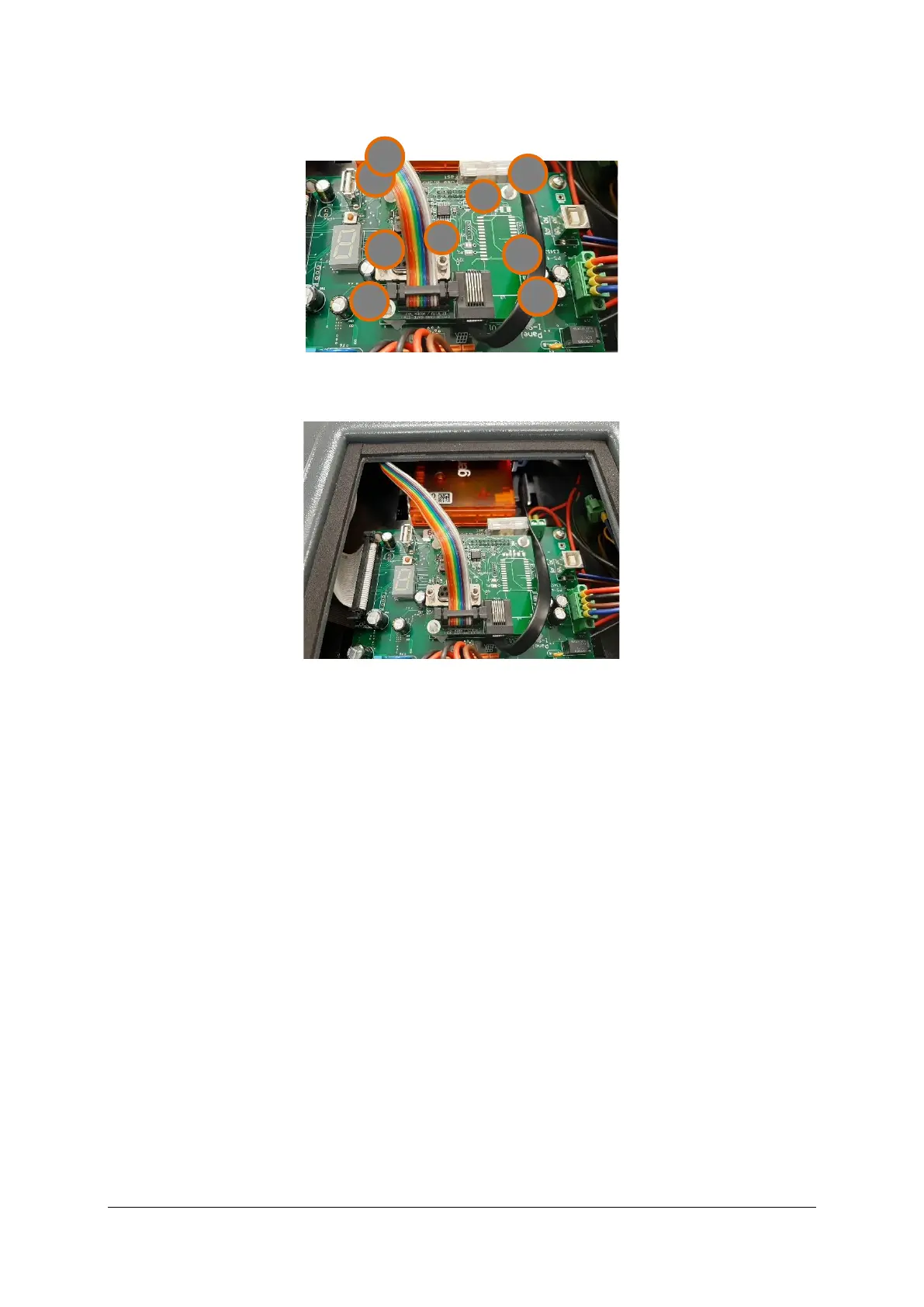
2. Connect the power cable and the flat communication cable to the modem and the board as
shown in Figure 14, item 2.
Figure 14: communication board in the I-SAFE service box connected to the modem
3. Slide the modem inside the housing and place it in the holder:
Figure 15: installed modem in the I-SAFE housing
12.3 SETTINGS
Please refer to the manual dedicated to 3G modem settings.


 To Next Page