44
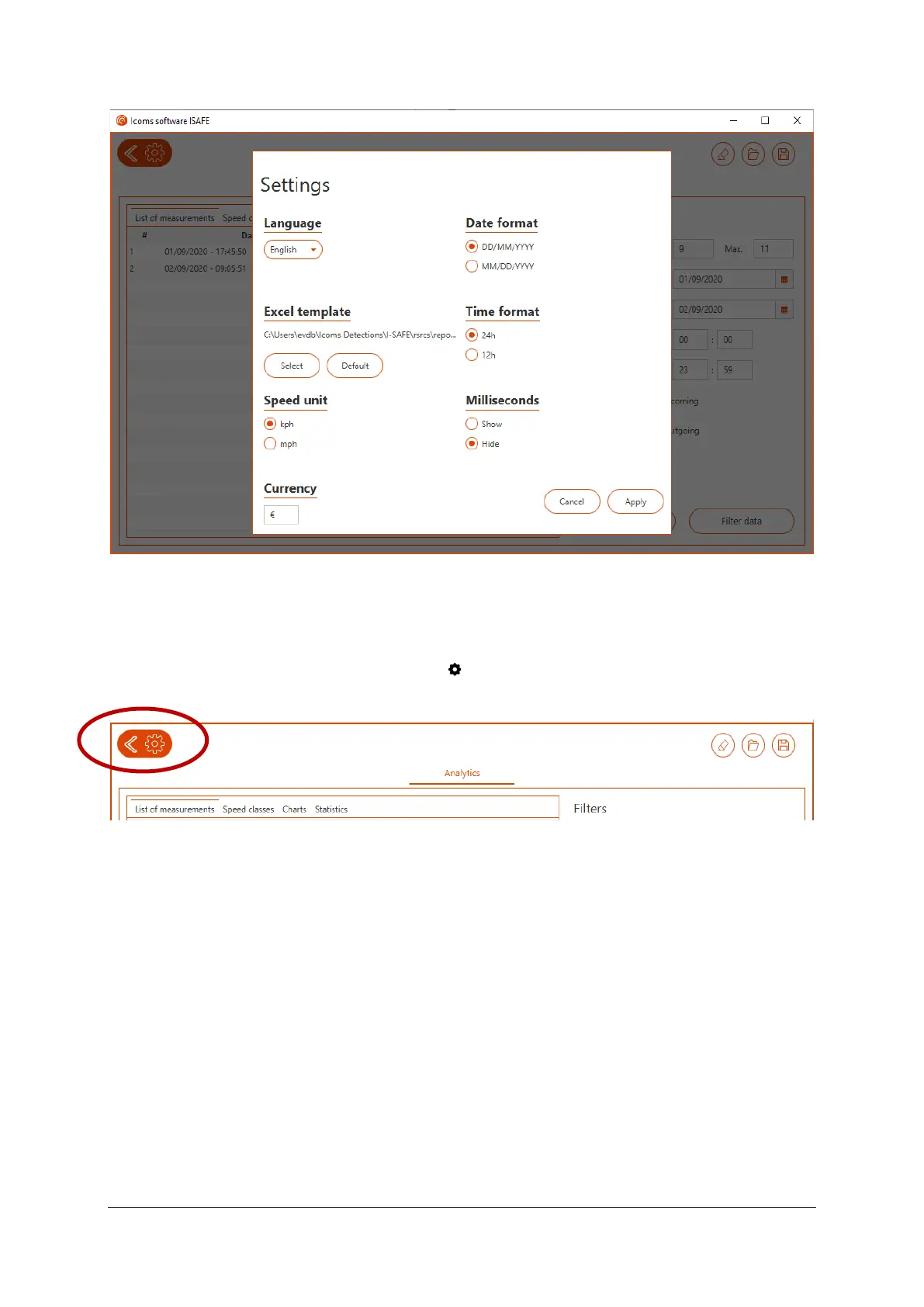
Screenshot 26: settings window
6.6 GENERAL SETTINGS
To access the general software settings, click on , upper left in the main window:
Screenshot 27: opening the settings window
The user can choose the language, units, time format and date format as shown on Screenshot 28.



 To Next Page