17
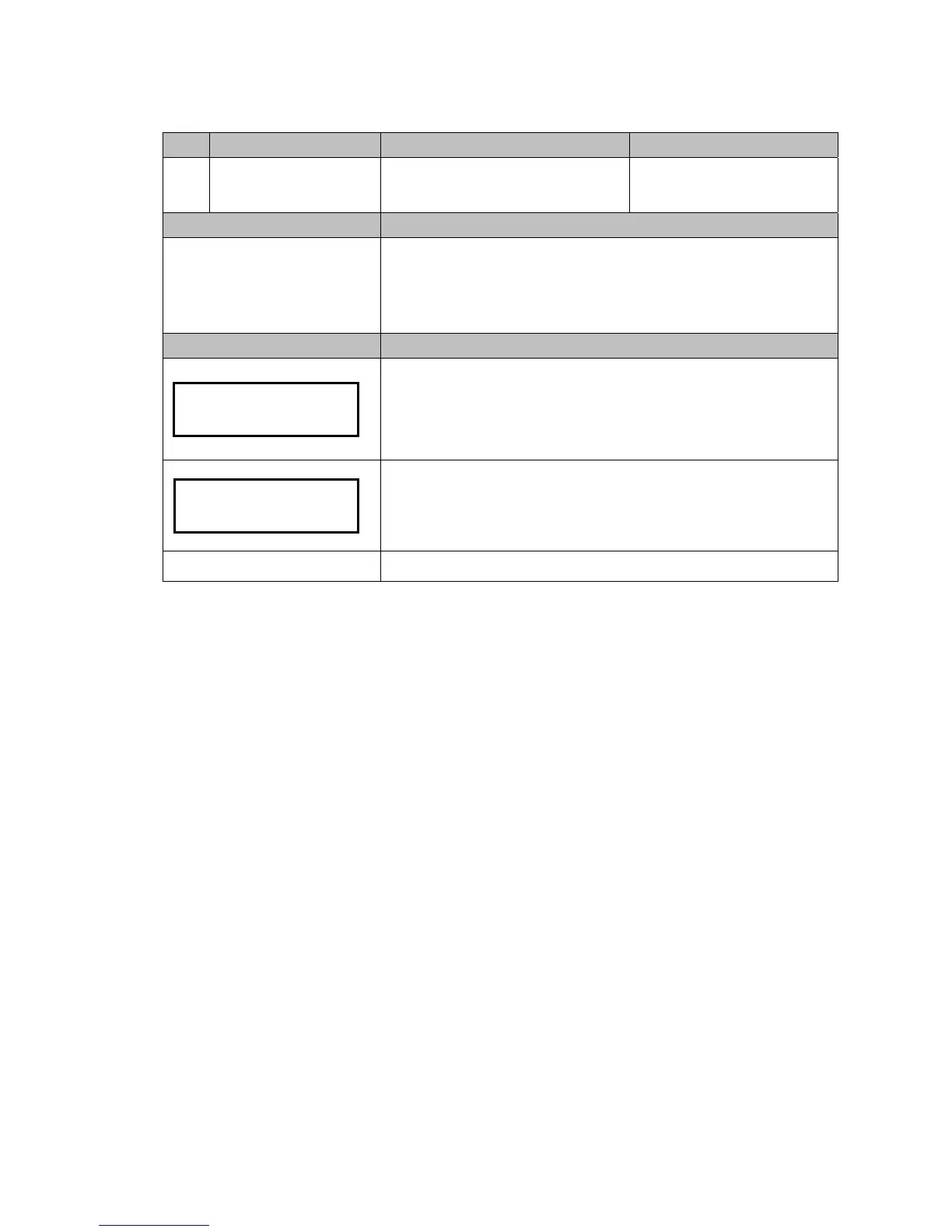
Code LCM Display Function Description Accessibility
129
Language Set language
-Accessible without password
Default Definition
Depends on region
User can select menu language.
-English
-Русский
-Deutsch
-Español
LCM Descriptions
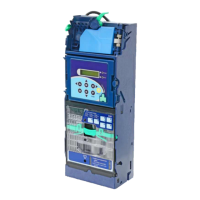
Press the Manual button.
Use A / C to scroll to EZ code 129.
Press F to enter.
LCM shows current setting.
Press B / E button to select language.
Press F to save.
Manual to exit.
English
Language


 To Next Page