21
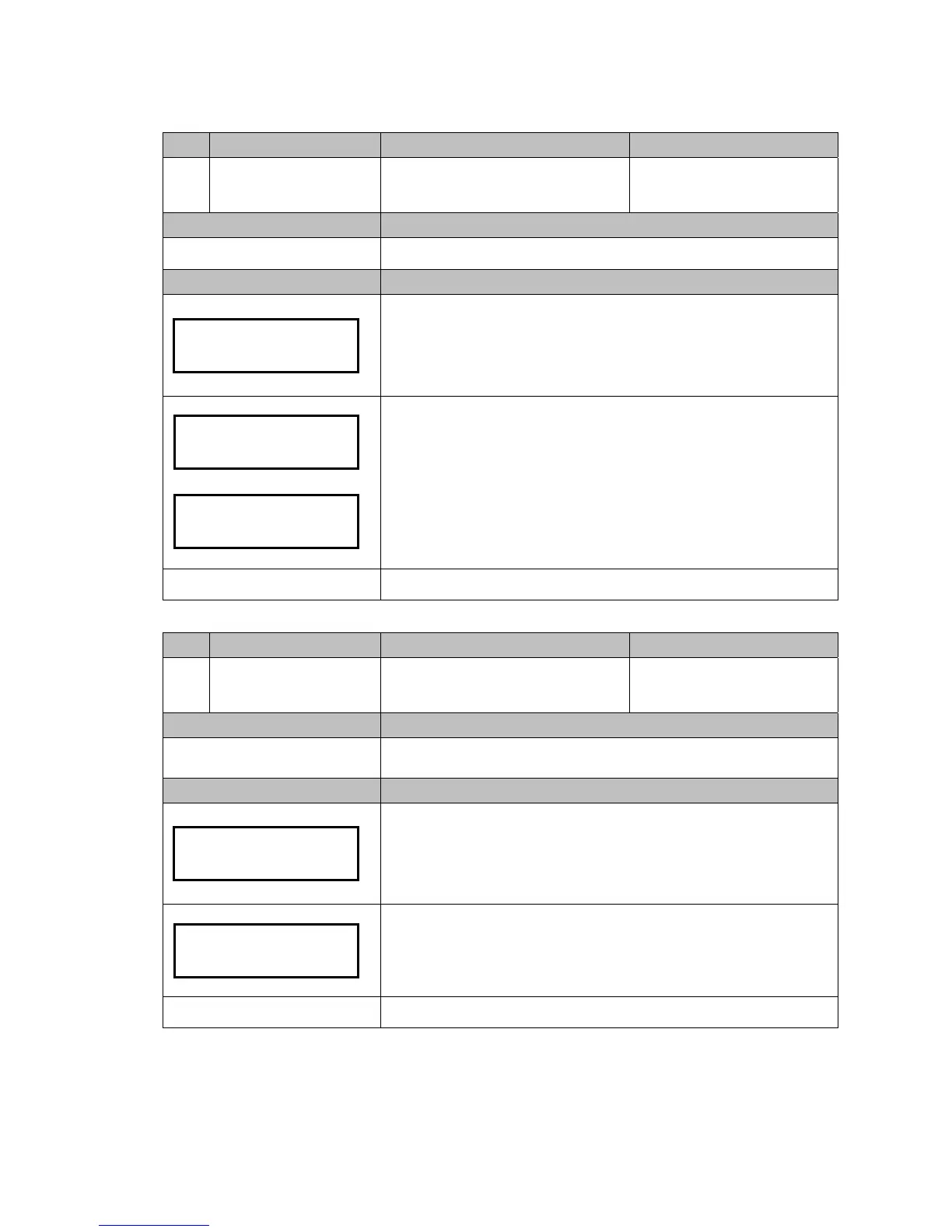
Code LCM Display Function Description Accessibility
108
Activate Cash Float
Set Cash Float Type for Various Coin
Denominations
-Cash Float Mode only
Default Definition
Configure Type of cash float for various coin denominations to be activated.
LCM Descriptions
Press the Manual button.
Use A / C to scroll to EZ code 108.
Press F to enter.
Use B / E button to scroll through types. (Type A, B or C)
Press F to save.
Manual to exit.
Code LCM Display Function Description Accessibility
109
Check Current Cash Float
Check current cash float setting of
various coin denominations.
-Cash Float Mode only
Default Definition
Check current cash float setting of various coin denominations.
LCM Descriptions
Press the Manual button.
Use A / C to scroll to EZ code 109.
Press F to enter.
Press F to enter cash float information acquiring mode.
Use B / E button to scroll through each coin value's cash float configuration.
When finished, press Manual button to exit.
Manual to exit.
Float Type A
Type A
Activated
Activate
Cash Float 108
$0.05 Cash Float
070
Check Current
Cash Float


 To Next Page