30
Code LCM Display Function Description Accessibility
125
Accessibility options
Set LCM accessibility under door-switch
status and password security
Default Definition
Door-ON
PW-ON
Setup LCM accessibility under door-switch status and setup password
security.
Door-ON: LCM inaccessible under door closing
Door-OFF: LCM accessible under door closing
PW-ON: Require password to access all LCM function
PW-OFF: Require no password to access all LCM function
LCM Descriptions
Press the Manual button.
Use A / C to scroll to EZ code 125.
Press F to enter.
Press B / E button to select setting.
Press F to save the setting.
The changer display saved message when setting has been overwritten
successfully..
Manual to exit.
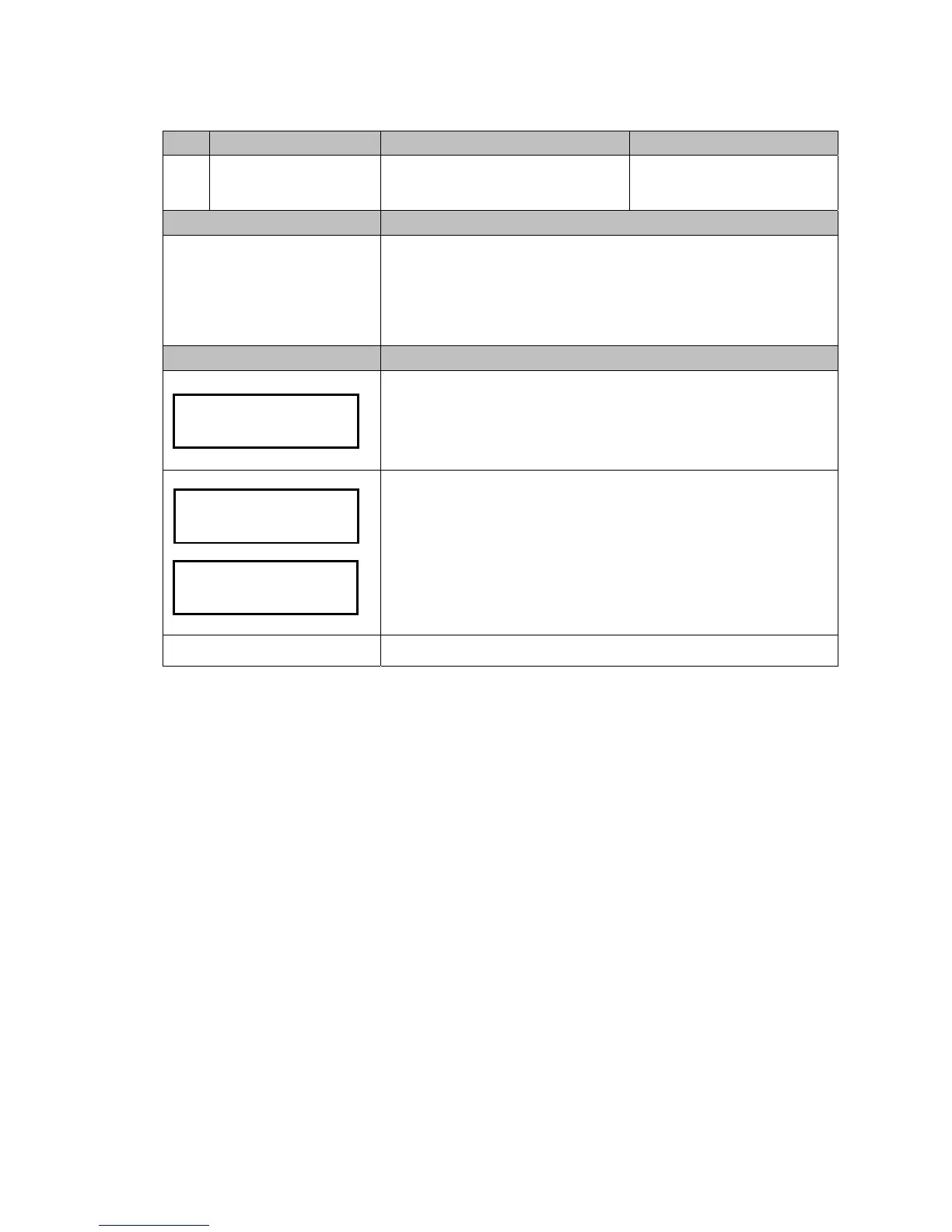
Door: ON
Password: OFF
Accessibility
o


 To Next Page