40
Code LCM Display Function Description Accessibility
202
Product Price Set Product Price Holding by Changer
Executive only
Default Definition
N/A
Setup product price. The price is applied only when it is hold by changer. To
set price holding mode, please refer to code 203.
LCM Descriptions
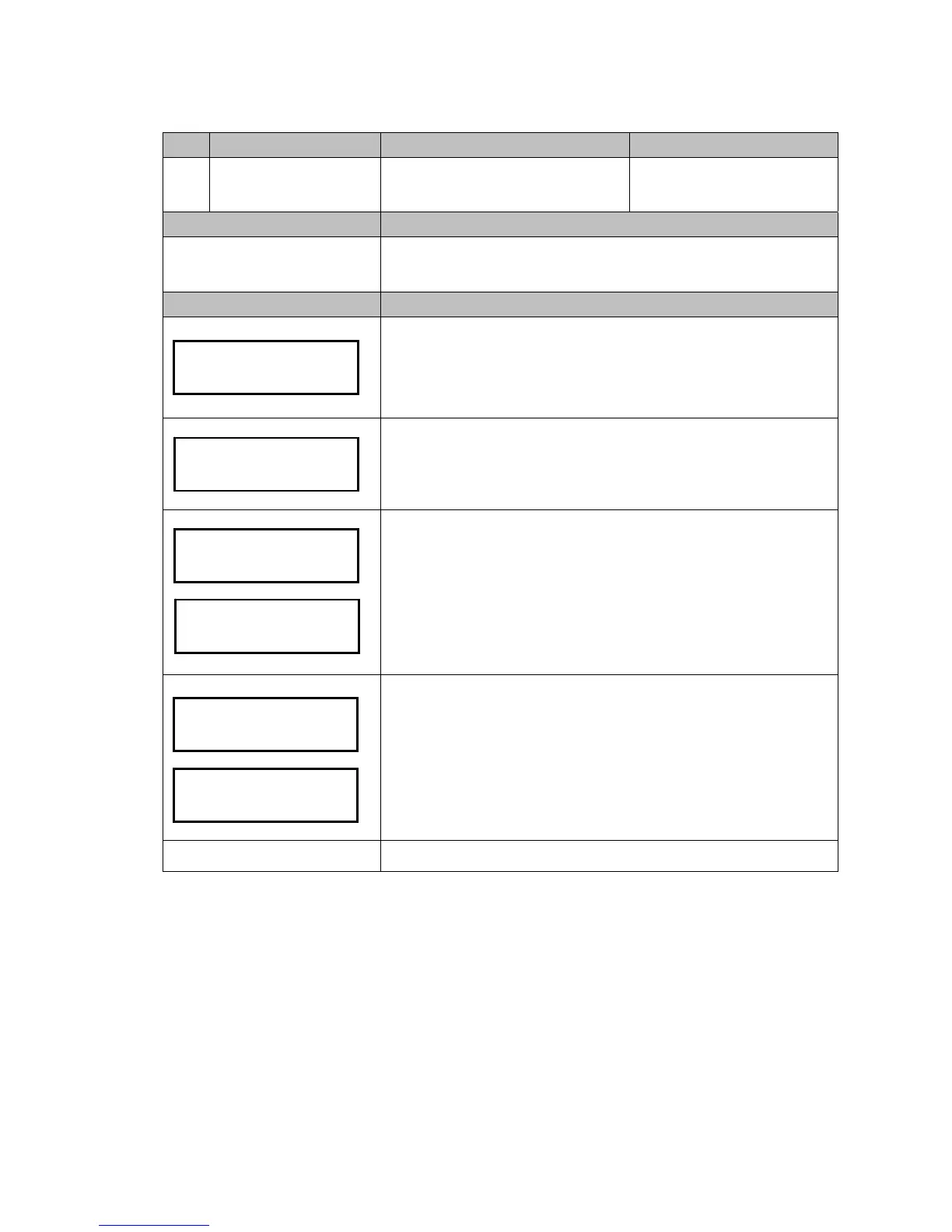
Press the Manual button.
Use A / C to scroll to EZ code 202.
Press F to enter.
Use B / E button to select channel.
Press F to configure channel.
LCM shows current price.
Press B / E to plus/minus number.
Press A / C to shift configured digit.
When finished, press F to save.
When code 204 is set to Enable, the 2
nd
bonus price in the right side can be
set.
LCM shows current price.
Press B / E to plus/minus number.
Press A / C to shift configured digit.
When finished, press F to save.
Manual to exit.
Channel: NO.01
"F" to Chan


 To Next Page