iData 50 User Manual
- 11 -
2.6.6 Shortcuts
You can add shortcut icons on the home screen of the iData 50.
On the home screen, click the icon of application tray, press and hold an icon and drag it to
the home screen.
2.6.7 Widgets
You can add widgets such as clock, music player and calendar on the home screen of the
iData 50.
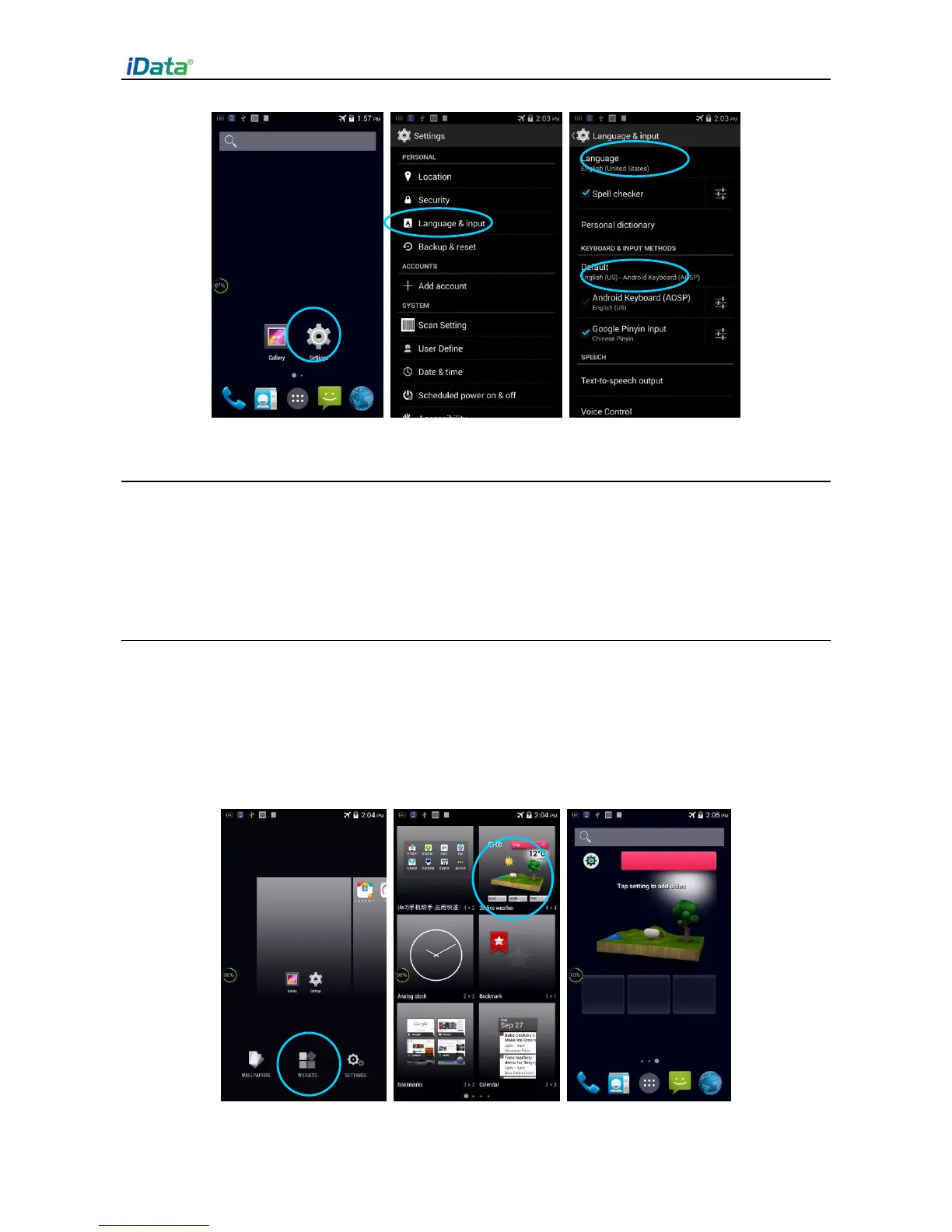
On the home screen, press and hold a blank space. The entry for setting wallpaper and
widgets is displayed. Click a widget and drag it to a blank space.
Click the icon of a widget to open the widget.


 To Next Page