34
xtra
- Installation & Servicing
SERVICING
45
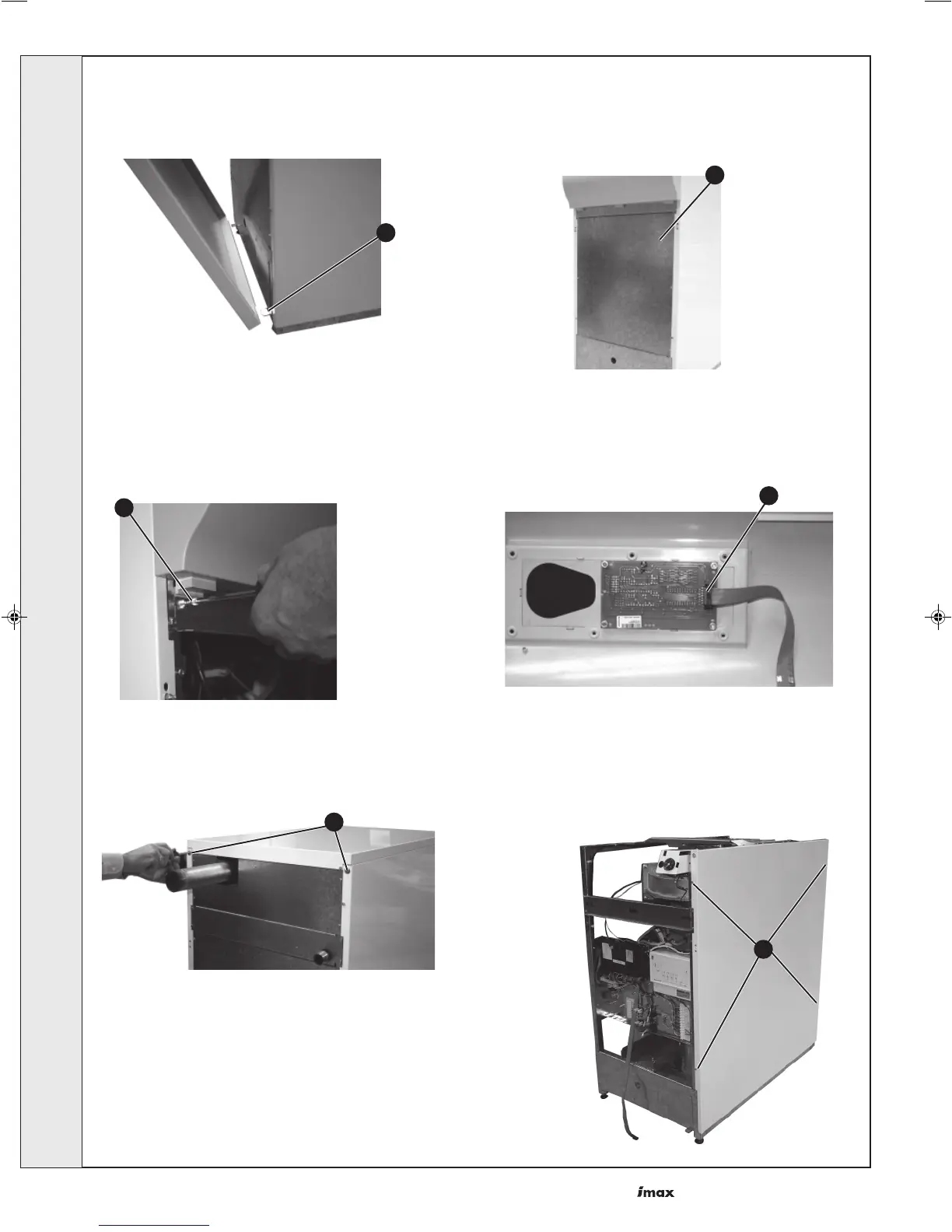
CASING REMOVAL AND ACCESS
Front Panels
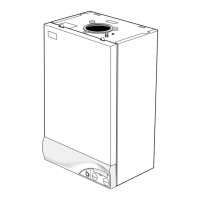
1. Pull the front panel forwards at the top, lift off the
bottom retaining lugs and remove.
Control Fascia Panel
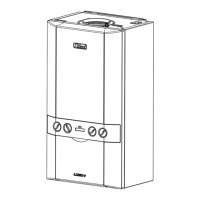
3. Remove the 2 screws securing the control fascia
panel. Carefully lift it slightly and lower the top
forwards allowing it to rest on the hinge lugs.
Top Panel
5. Undo the 2 screws at the rear edge of the panel, lift from
the side panel studs and remove.
6
1
Side Panels
6. Undo the 2 screws at the rear and the 2 screws at
the front of each panel.
7. Lift from the frame and remove.
2. Loosen 3 screws on one side of the inner front
panel and undo the 3 screws from the other side.
The panel will now slide to one side for removal.
4. To remove completely, release the ribbon
cable from the display board, raise slightly
and withdraw.
3
5
4
2
SERVICING



 To Next Page