To check
Caller Display
records
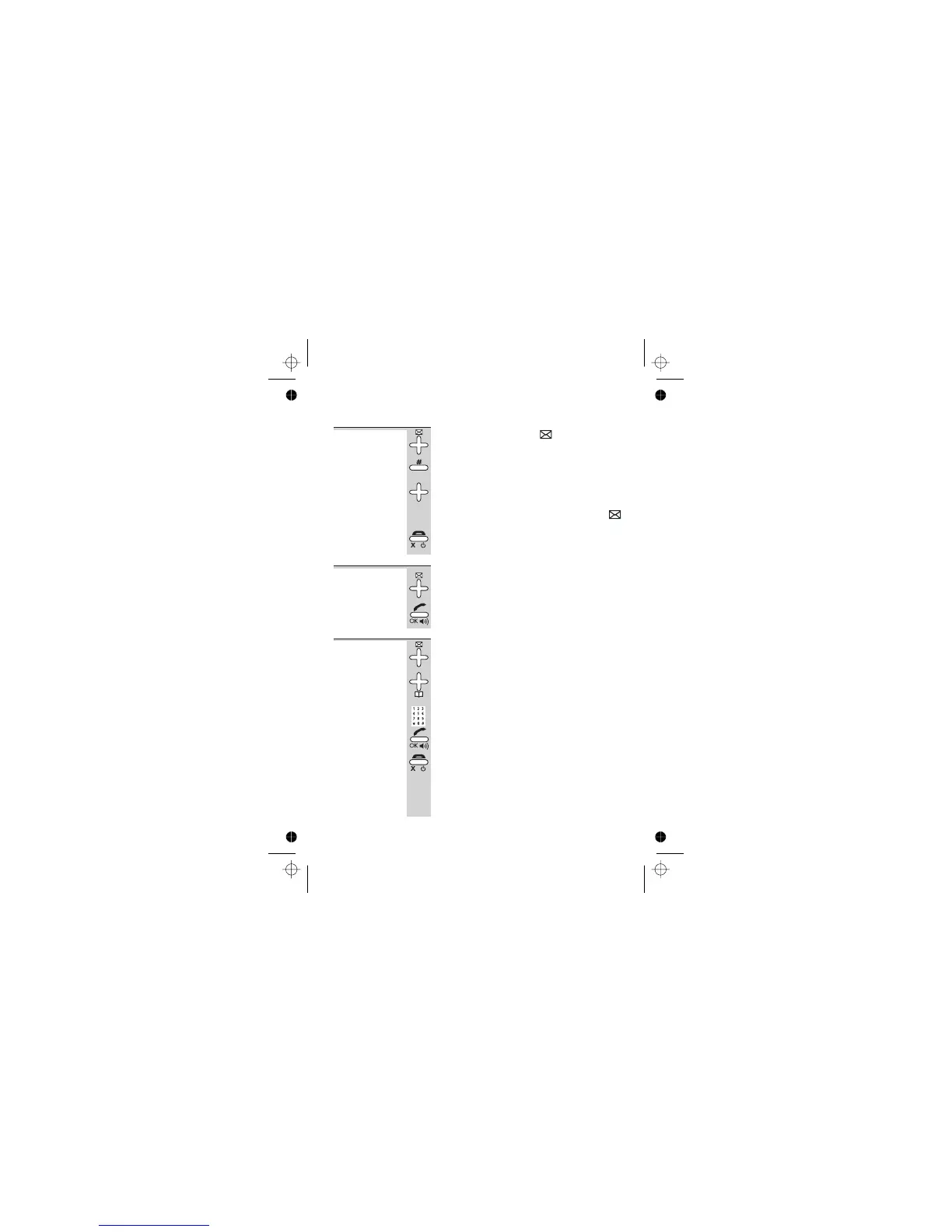
1 Press the Caller Display button
è
The most recent record is shown on the display.
2 To see more details, press the # (HASH) button
(Refer to the diagram on page 20.)
3 Press the á or â button to scroll through
the records
è
Once you’ve checked all new records, the
symbol disappears from the display.
4 Press the HANG UP button to go back to
standby mode
To return a
call
To ring back someone who’s called you:
1 Follow steps 1 to 3 above (step 2 is optional)
to display the record
2 Press the PHONE button to dial the number
To store a
Caller Display
number in
the Phone
Book
1 Use steps 1 to 3 above (step 2 is optional) to
display the record
2 Press and hold the Phone Book button for
2 seconds
è
The display shows ENTER NAME *
3 Key in a name then press the PHONE/OK
button
è
The display show the name and STORED
4 Press the HANG UP button to go back to
standby mode
Caller Display
Help Line: 0845 345 9677 (Local Call rate) 21
E:\Binatone2006\iDECT_X1i\iDECT_X1i_UK_03.vp
12 June 2006 10:54:00
Color profile: Generic CMYK printer profile
Composite Default screen



 To Next Page