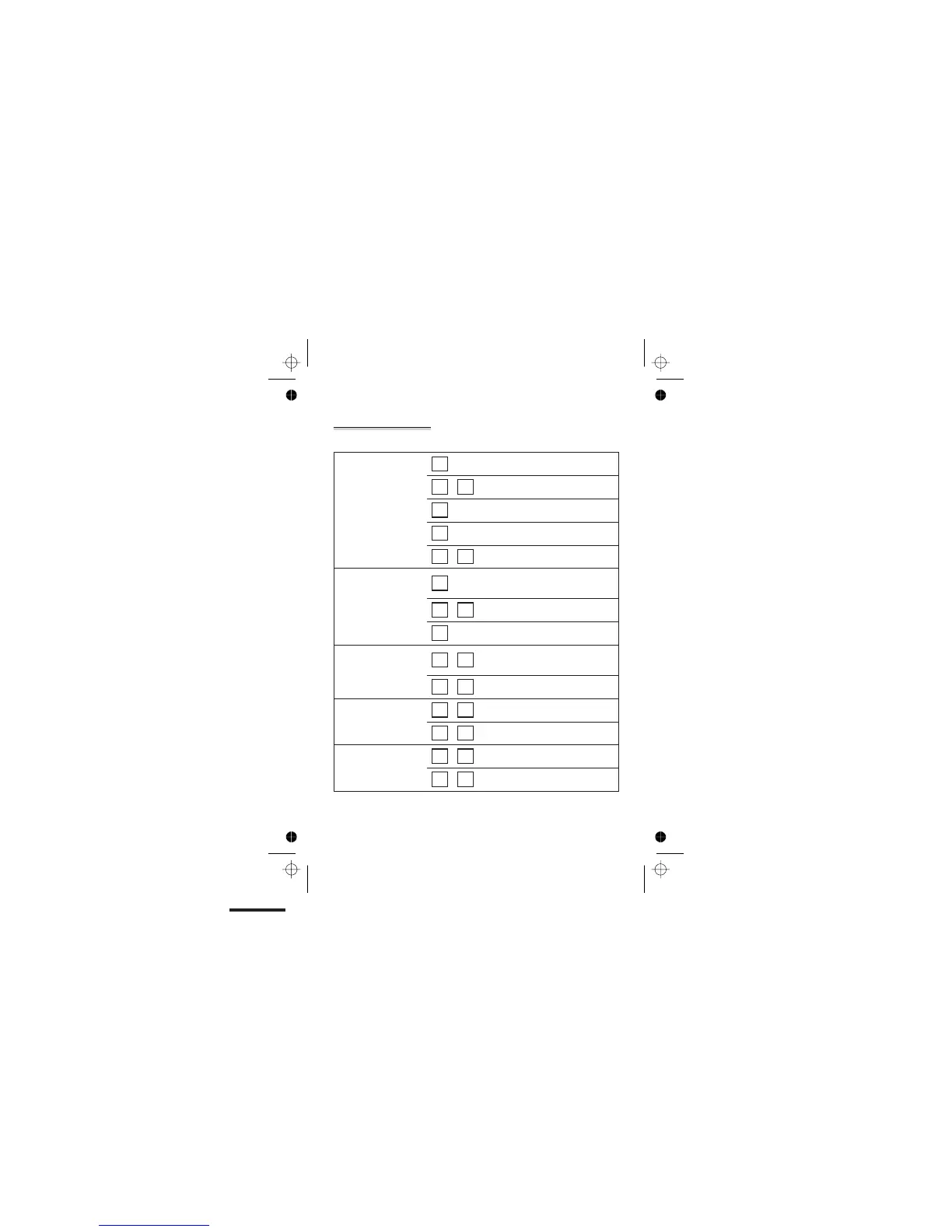
Keys to press during remote operation
To play your
messages and
memos, press:
2
to play all messages
Ü 2
to play only new messages
5
to pause during playback
2
to restart playback
5 5
to stop playback
To skip
backwards and
forwards during
playback, press:
1
to go back to the start of the current
message
1 1
to go back to the previous message
3
to go to the next message
To delete messages
and memos, press:
0 2
during playback to delete the current
message
0 2
after playback to delete all messages
To record a new
OGM, press:
6 1
to record OGM1
6 2
to record OGM2
To play your OGM,
press:
7 1
to play OGM1
7 2
to play OGM1
Remote operation
E:\Binatone2006\iDECT_X1i\iDECT_X1i_UK_03.vp
12 June 2006 10:54:04
Color profile: Generic CMYK printer profile
Composite Default screen
Help Line: 0845 345 9677 (Local Call rate) 43



 To Next Page