To select
an OGM
If you want your callers to leave messages,
make sure you select OGM1 — if OGM2 is
selected, callers will not be able to leave
messages.
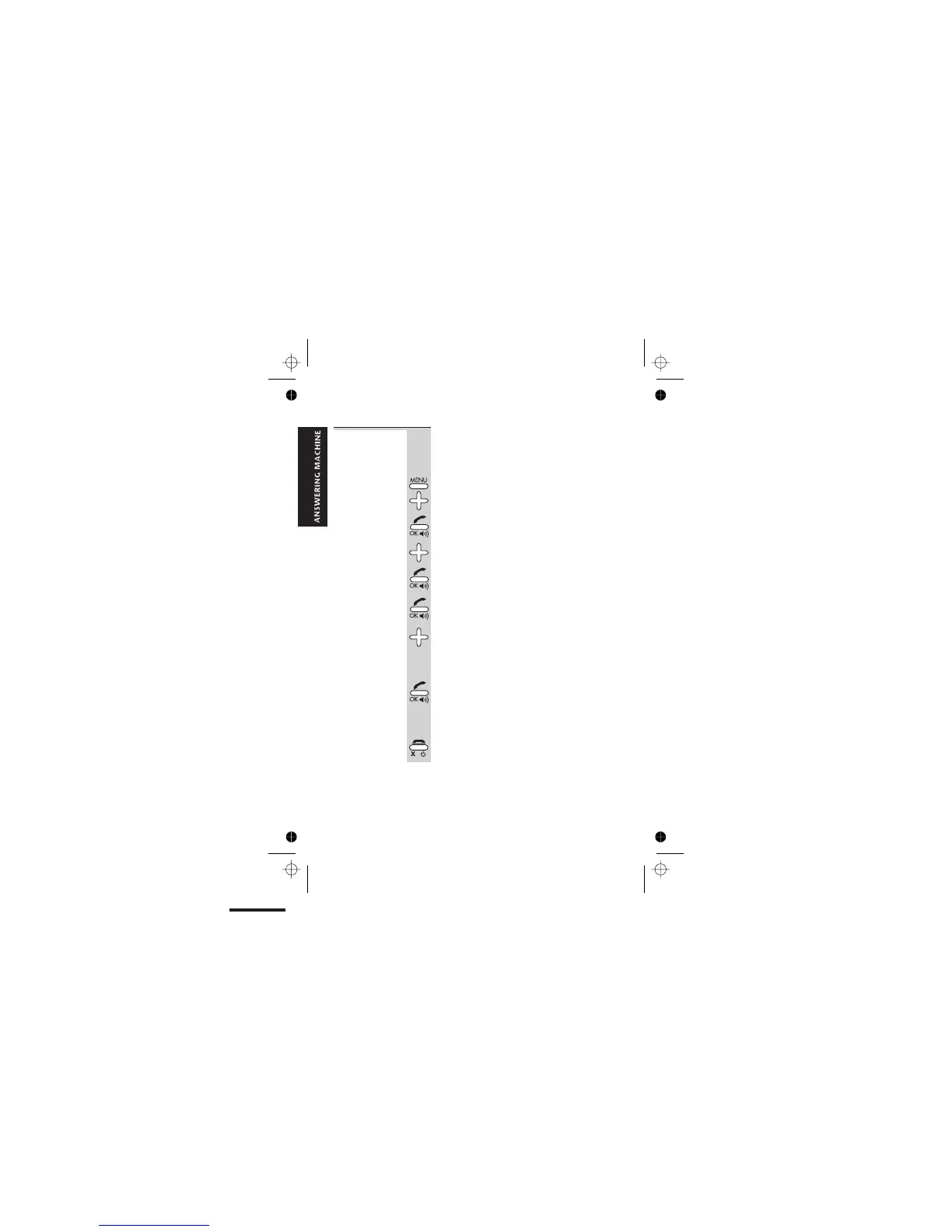
1 Press the MENU button then the â button
FOUR times
è
The display shows TAM OPERATION
2 Press the PHONE/OK button
3 Press the â button THREE times
è
The display shows OUTGOING MESSAGE
4 Press the PHONE/OK button
è
The display shows SELECT
5 Press the PHONE/OK button
è
The display shows OGM01
7 Press the â or á button to scroll between
the options —
OGM01, OGM02, OGM DEF01,
OGM DEF02
OGM DEF01
and OGM DEF02 are the pre-
recorded default OGMs.
8 Press the PHONE/OK button to select the
OGM shown on the display
è
You hear a confirmation tone, then the
display goes back to the
TAM OPERATION
menu.
9 Press the HANG UP button twice to go back
to standby mode
Outgoing messages
E:\Binatone2006\iDECT_X1i\iDECT_X1i_UK_03.vp
12 June 2006 10:54:02
Color profile: Generic CMYK printer profile
Composite Default screen
Help Line: 0845 345 9677 (Local Call rate) 31



 To Next Page