MiniPad – rPad User Guide
30
© 2015-2017 – Identix Inc. All Rights Reserved.
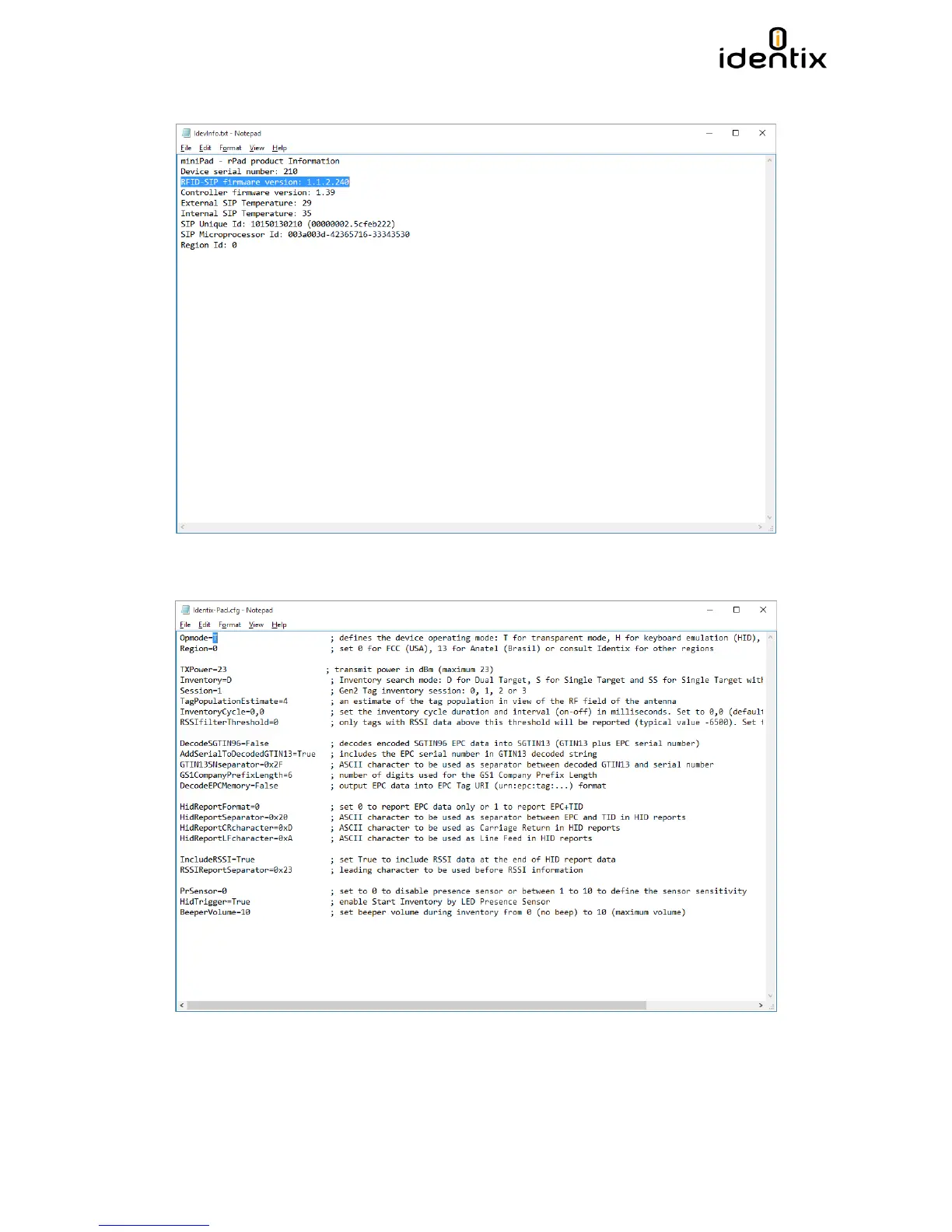
2) Identify the RFID SIP version by opening the “IdevInfo.txt” file on Notepad.
3) Make sure your device is configured to work in “Transparent Mode”. Set the option
“Opmode=T” on the Identix-Pad.cfg file located inside the “Identix” drive.
4) Verify the COM port your computer assigns to the MiniPad – rPad device by opening the
“Computer Management” Windows applet.


 To Next Page